Excel + Google Sheets
Bill Tracker & Calendar
$9.00
Buy on Etsy · $9.00
Instant digital download. No physical item is shipped.
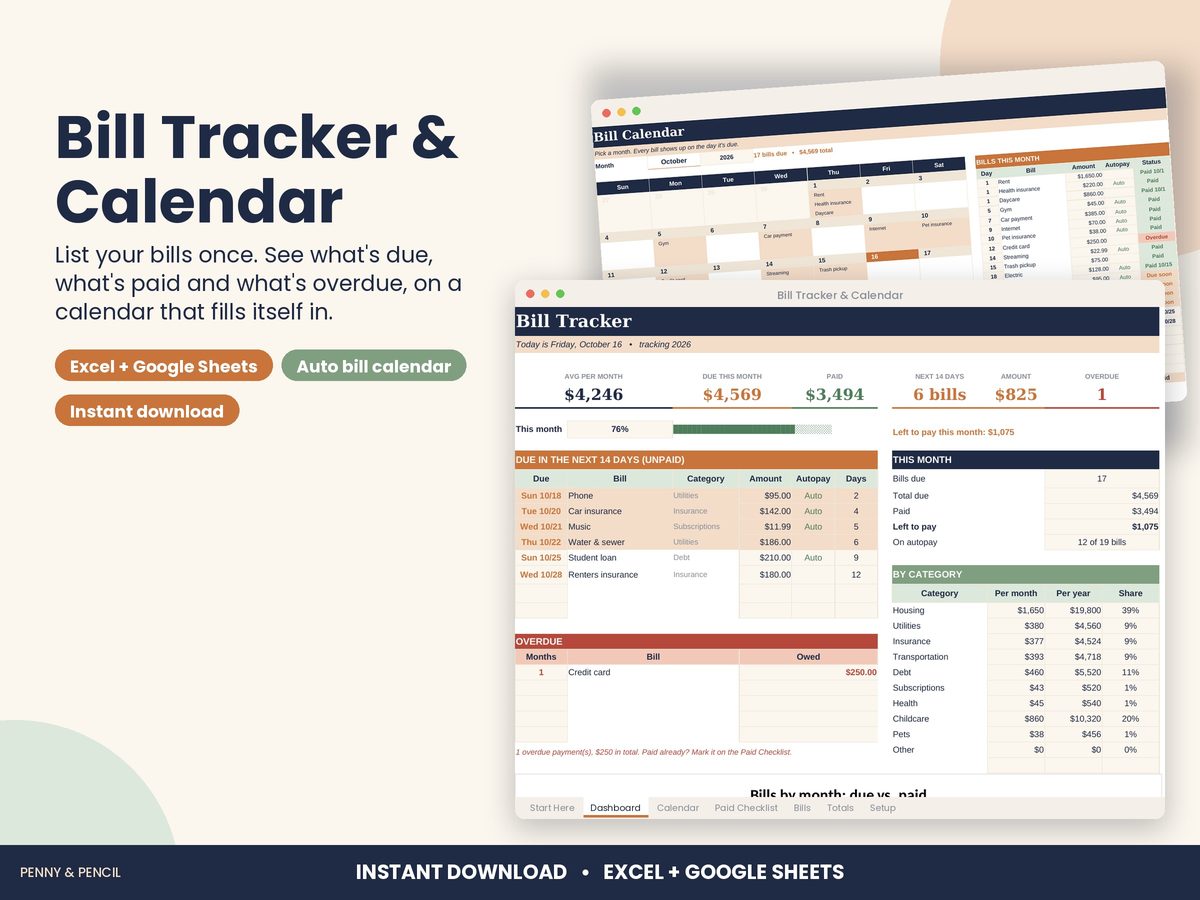
Know exactly which bills are due, which are paid and which slipped through, without a paper calendar.
List each bill once with its amount, due day and how often it comes (monthly, quarterly or yearly). The Bill Tracker & Bill Calendar takes it from there: a calendar for any month with every bill on its due day, a 12-month paid checklist whose status updates itself (Paid, Due soon, Overdue or the date it's due), and a dashboard with what's due in the next 14 days and anything overdue.
WHAT'S INCLUDED
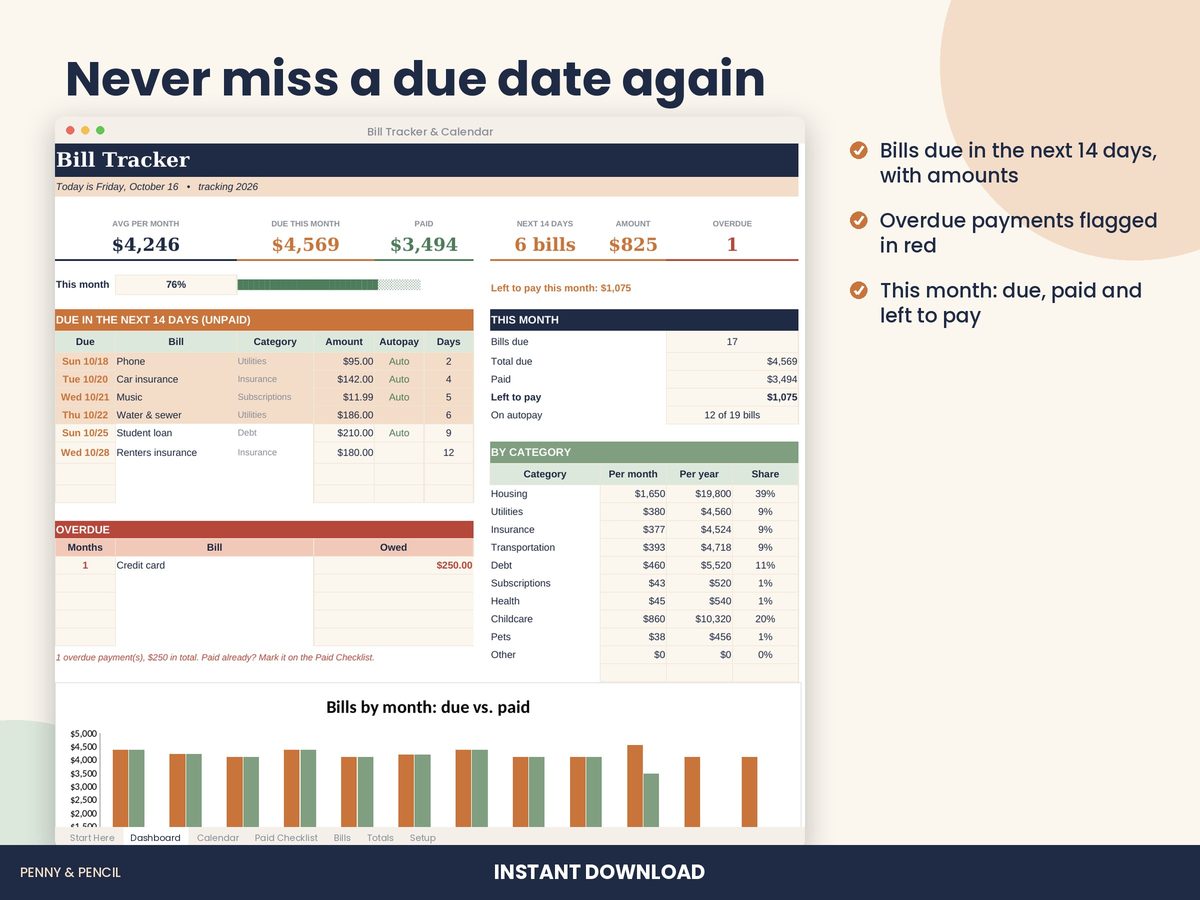
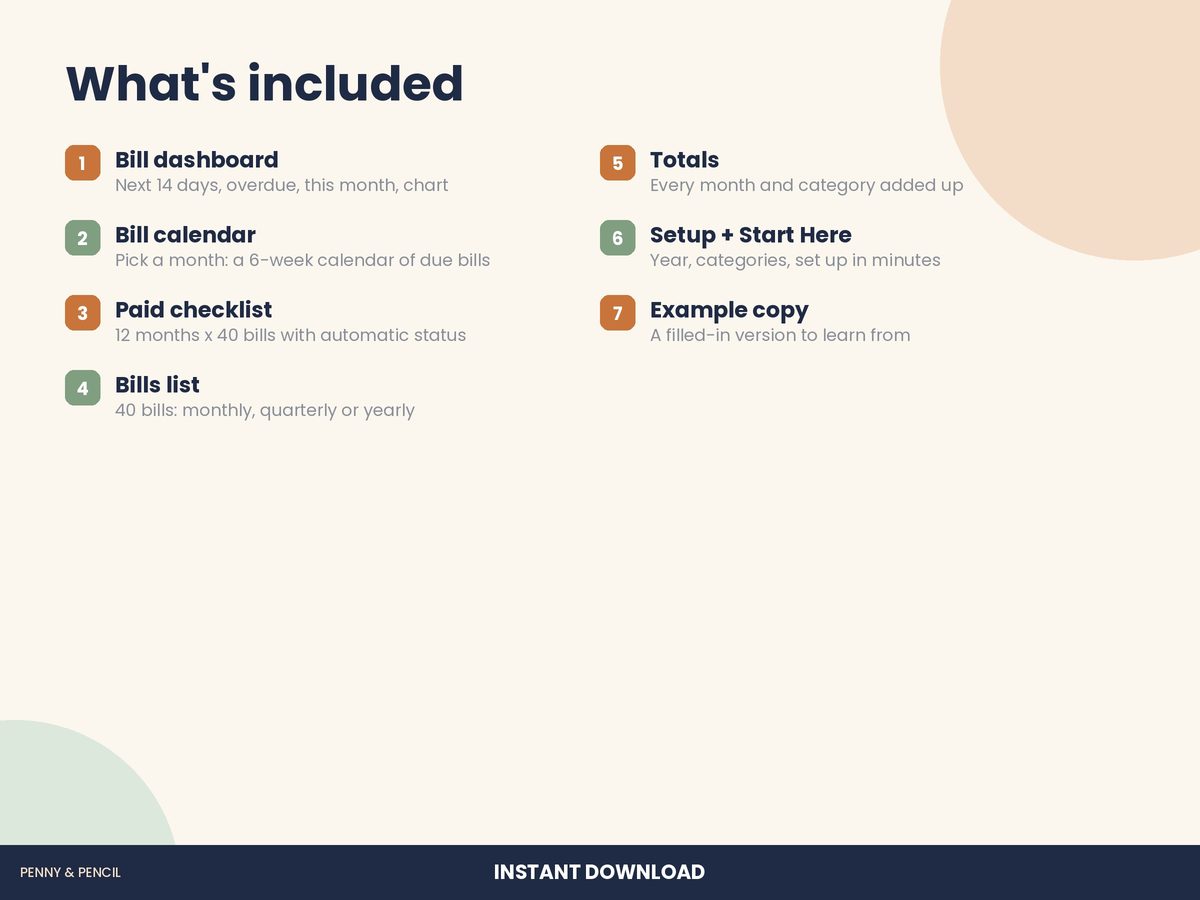
• Dashboard: average bills per month, due this month, paid this month, bills and amount due in the next 14 days, and overdue count
• "Due in the next 14 days" list (unpaid bills, soonest first) and an overdue list
• This month's progress bar, a by-category summary and a due vs. paid by month chart
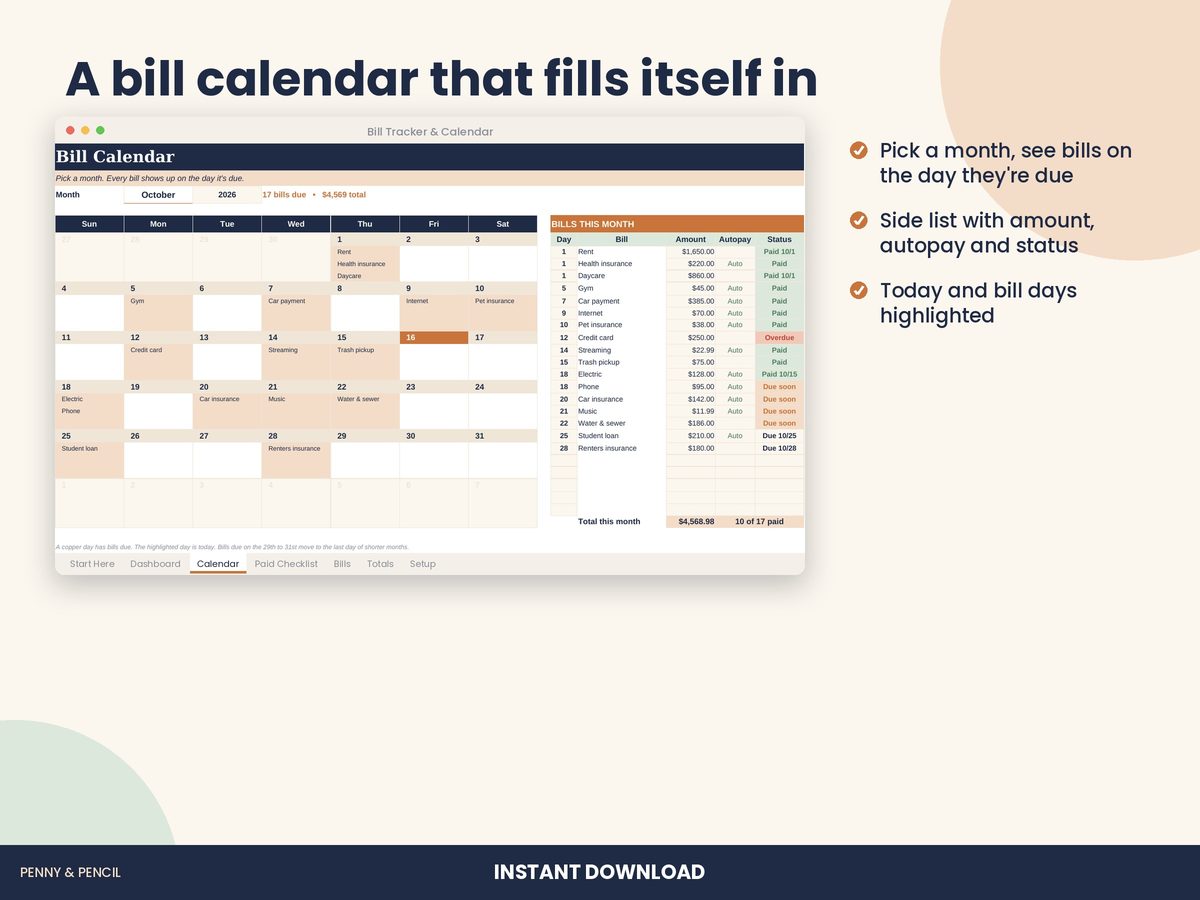
• Bill calendar: pick a month and see a 6-week calendar with bill names on each due day, plus a side list with amount, autopay and status
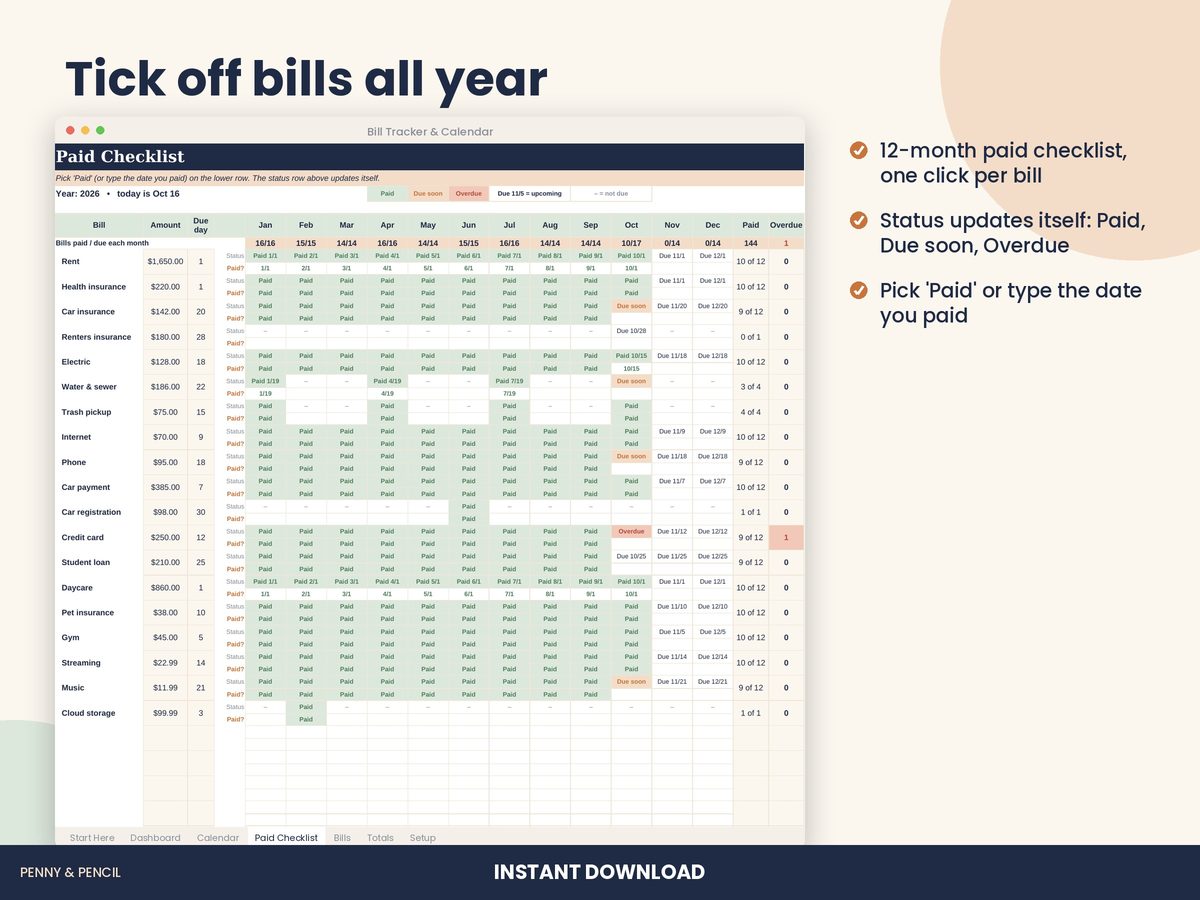
• Paid checklist: 12 months for up to 40 bills. Pick "Paid" or type the date you paid; a status row shows Paid, Due soon, Overdue or the upcoming due date
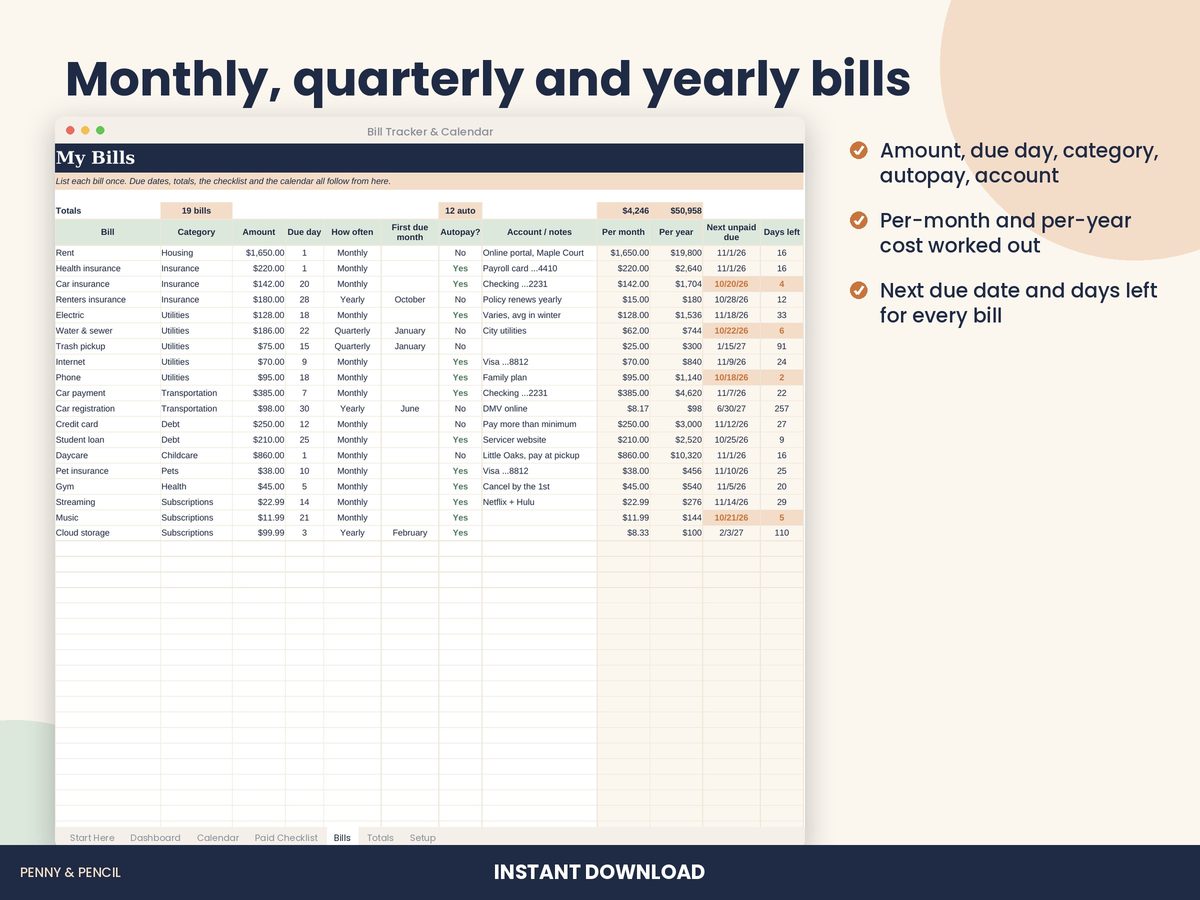
• Bills list (40 rows): name, category, amount, due day, frequency dropdown (monthly, quarterly, yearly), first due month, autopay, account/notes, cost per month and per year, next due date and days left
• Totals: every category and month added up, total due, paid and left to pay, with a by-category chart
• Setup tab (year, categories, "due soon" window) and a Start Here guide
• Two files: a blank tracker and a filled-in example
WORKS WITH
• Microsoft Excel (2010 or later, Windows and Mac, and Excel online)
• Google Sheets (free): upload the file to Google Drive and open it with Google Sheets
HOW IT WORKS
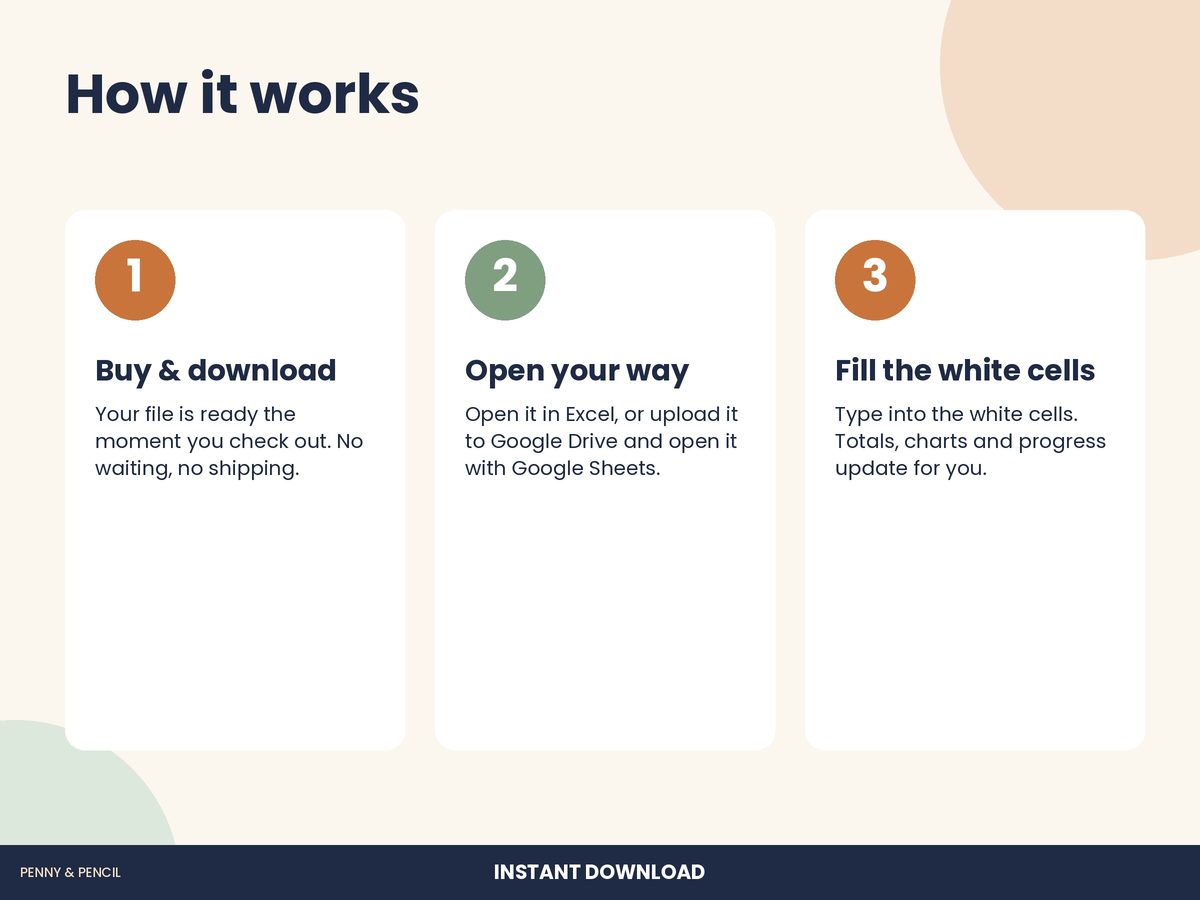
1. Purchase and download instantly from your Etsy Purchases page.
2. Open the file in Excel, or upload it to Google Drive and open it in Google Sheets.
3. List your bills on the Bills tab, then tick them off on the Paid Checklist as you pay.
PLEASE NOTE
• This is a digital download. No physical item will be shipped.
• Amounts are in US dollars ($). Currency formatting can be changed in your spreadsheet app.
• Reusable every year: change the year on the Setup tab and clear the checklist.
• For personal use. Please don't resell or share the file.
• Not financial advice.
How we make it: Every Penny & Pencil template and worksheet is designed in-house with AI-assisted tools, then each page, formula and answer key is checked and tested before it is listed.
Questions? Send us a message. We usually reply within a day.