Excel + Google Sheets
Teacher Gradebook
$10.00
Buy on Etsy · $10.00
Instant digital download. No physical item is shipped.
A simple gradebook that does the weighted-grade math for you.
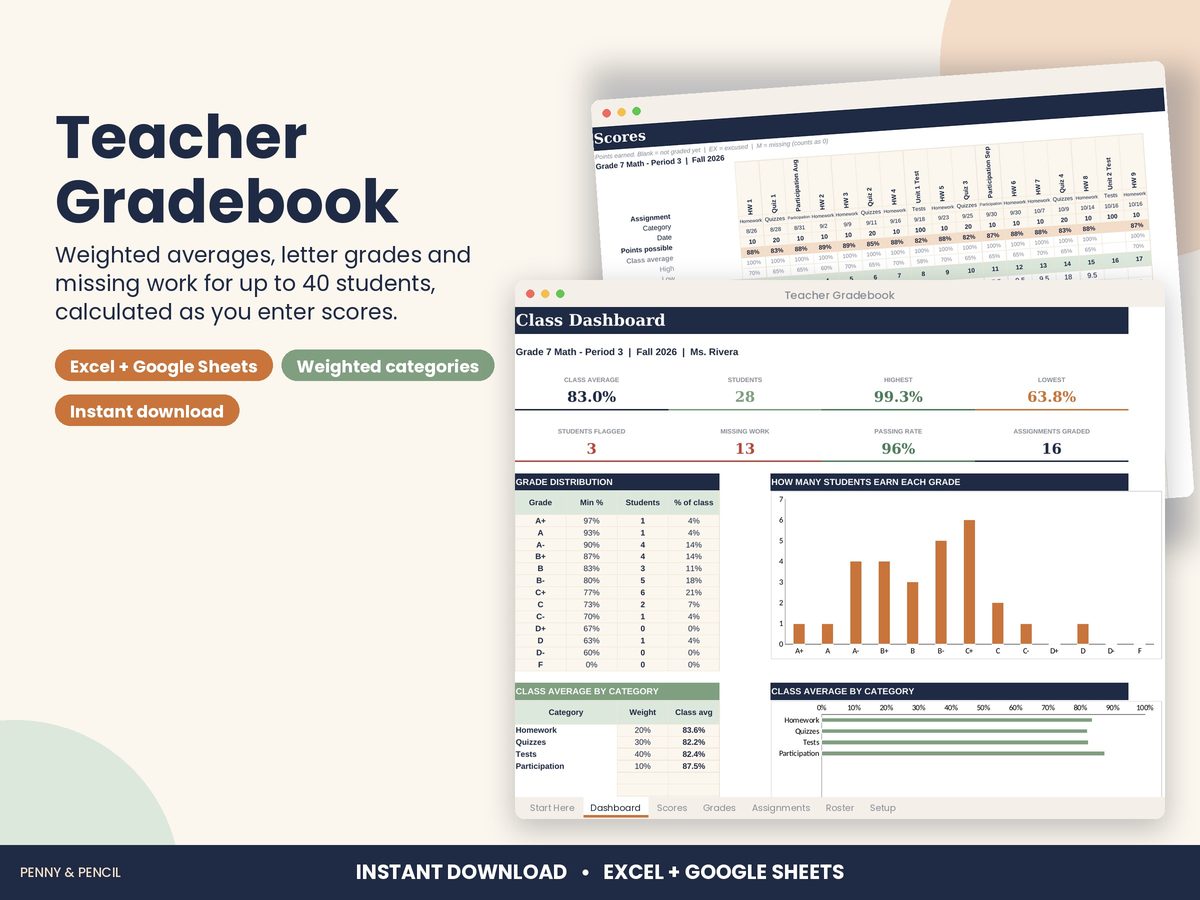
The Teacher Gradebook works for one class of up to 40 students and 60 assignments. Set your grading categories and weights once, add your students and assignments, then type scores into one grid. Every student's weighted average, letter grade and missing-work count update as you go. The dashboard shows how the class is doing and who needs a check-in.
WHAT'S INCLUDED
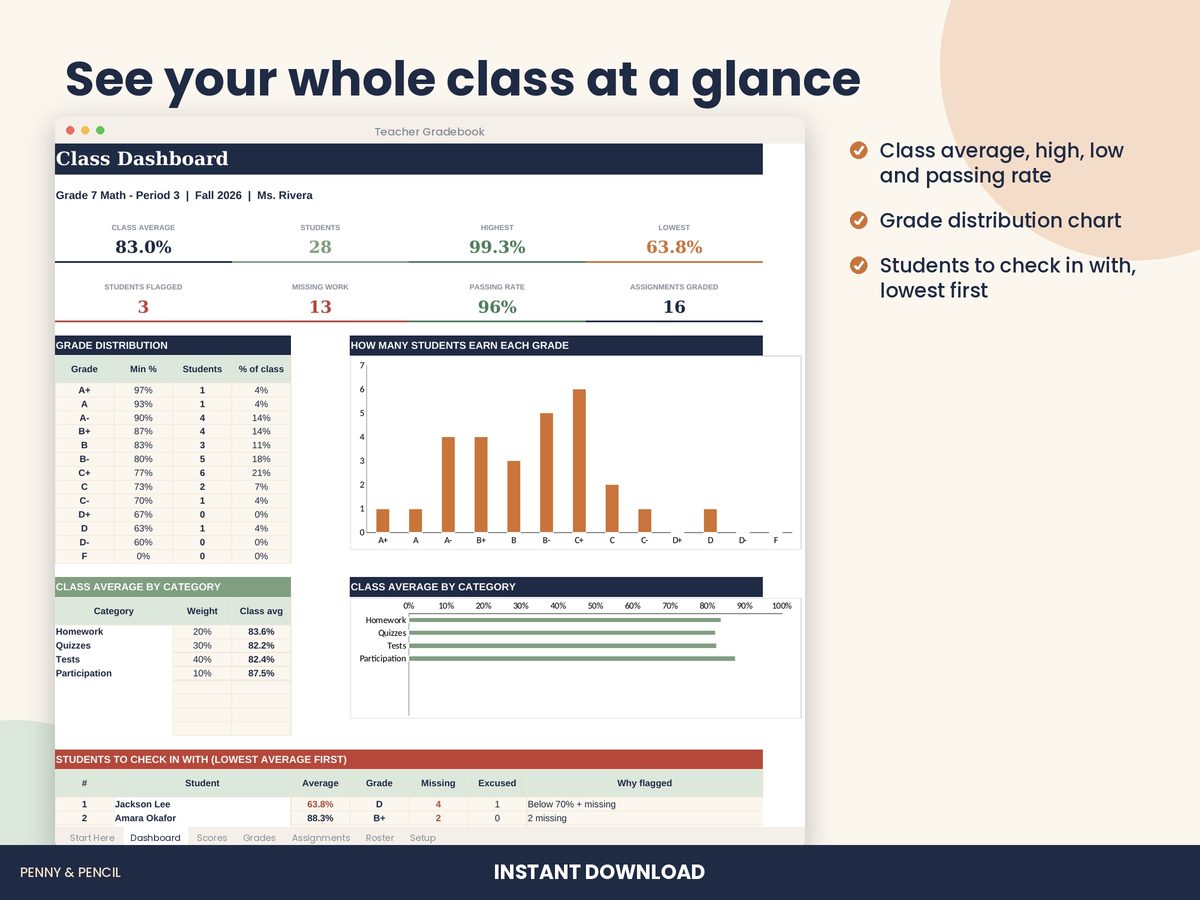
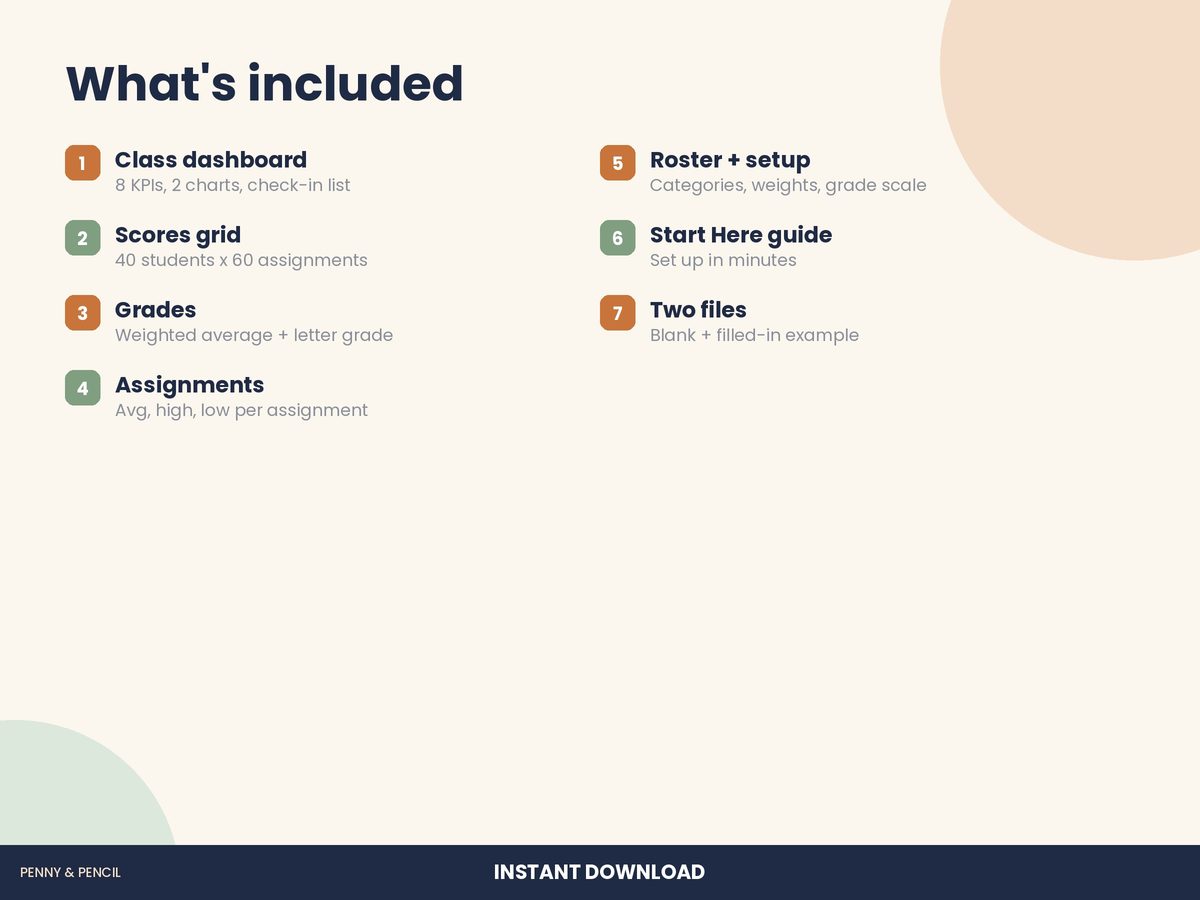
• Class dashboard: class average, students, highest, lowest, students flagged, missing work, passing rate and assignments graded, with a grade distribution chart, class average by category and a "students to check in with" list
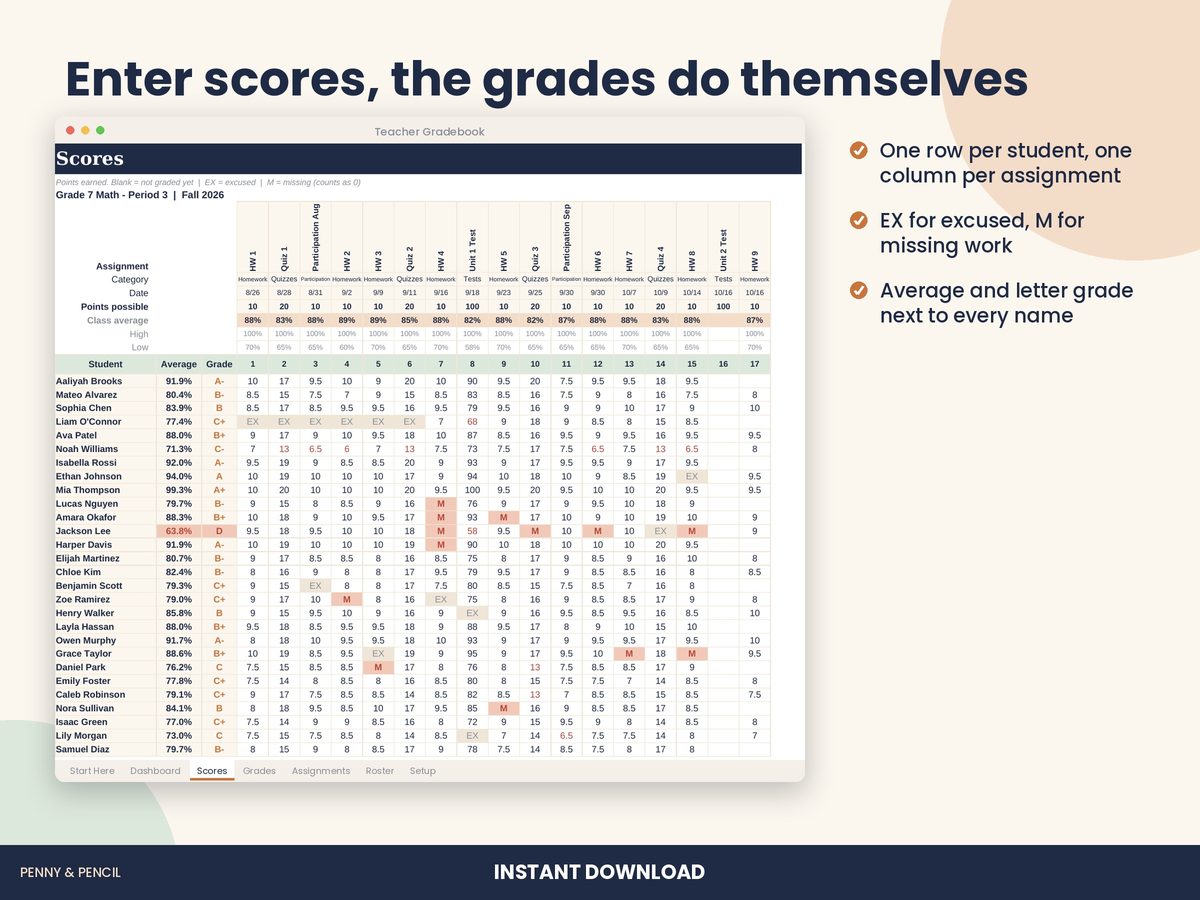
• Scores grid: 40 students x 60 assignments. Type points earned, EX for excused or M for missing; blank means not graded yet. Each student's average and letter grade sit next to their name, and the class average, high and low sit above each assignment
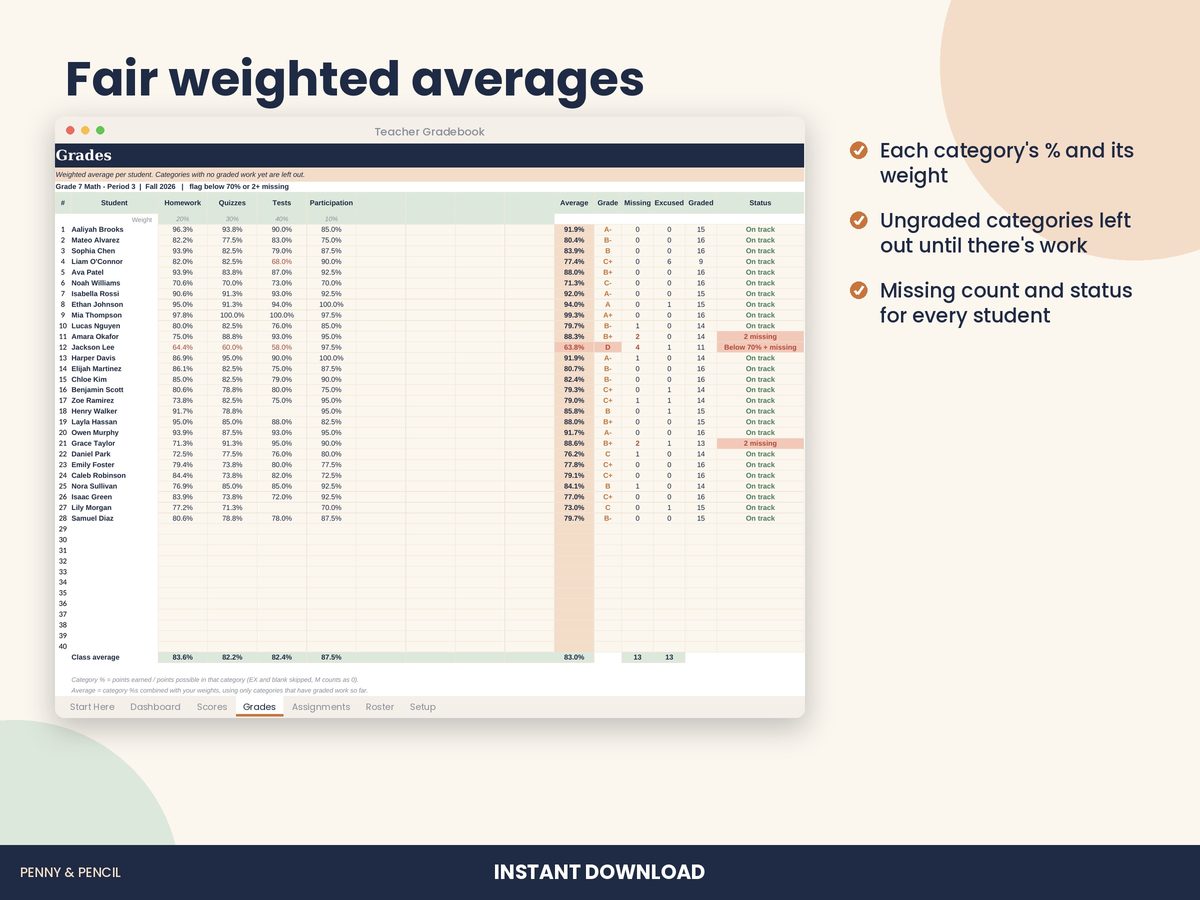
• Grades: each student's percentage in every category, weighted average, letter grade, missing and excused counts and a status flag
• Assignments (up to 60): name, category dropdown, date and points possible, with class average, high, low, missing and excused counts
• Roster for names, student IDs, contacts and notes
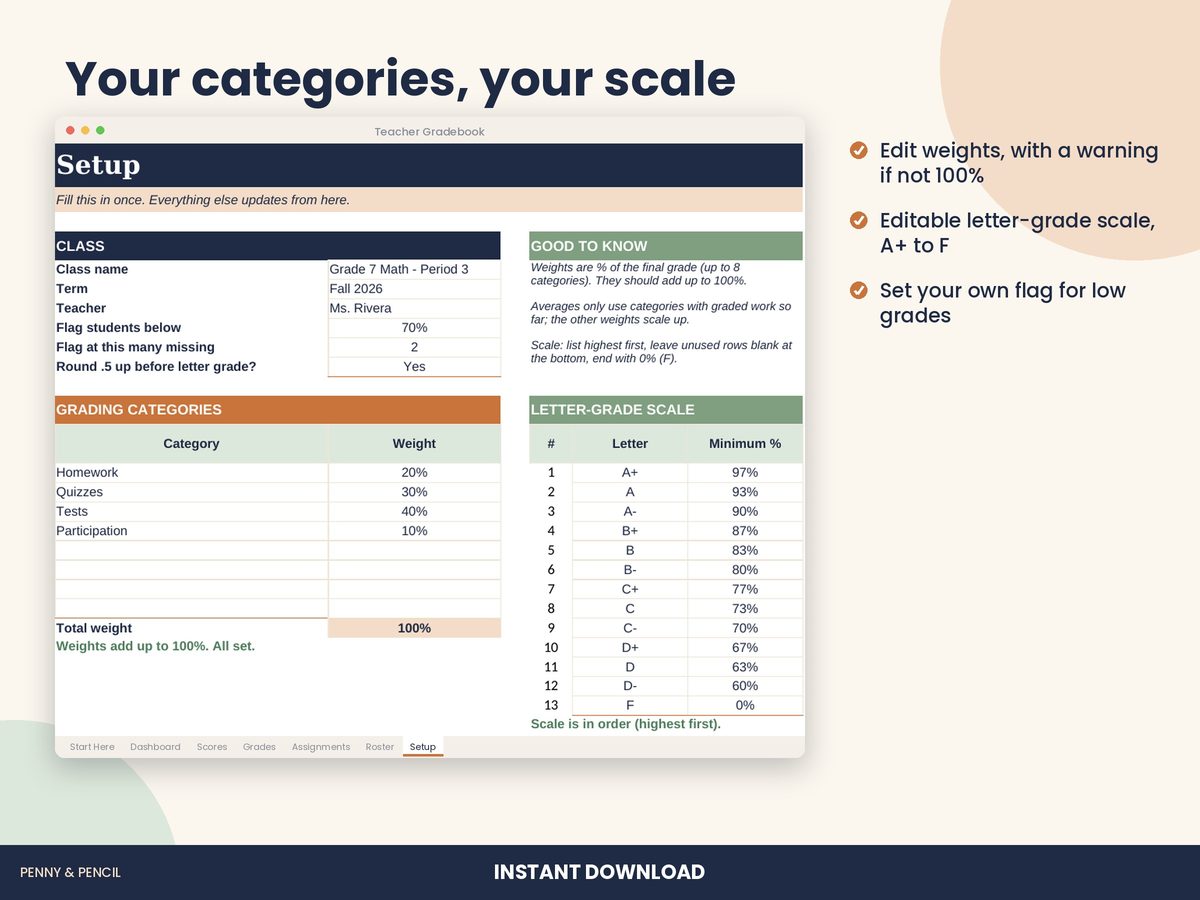
• Setup: class name and term, up to 8 categories with weights (warns you if they don't add up to 100%), an editable letter-grade scale (A+ to F) and your own flag settings
• Start Here guide
• Two files: a blank gradebook and a filled-in example
HOW GRADES ARE CALCULATED
Inside each category, points earned are divided by points possible. Categories are then combined with your weights. If a student has no graded work in a category yet, that category is left out and the other weights scale up. Excused (EX) and blank cells don't count; missing (M) counts as zero until you enter the score.
WORKS WITH
• Microsoft Excel (2010 or later, Windows and Mac, and Excel online)
• Google Sheets (free): upload the file to Google Drive and open it with Google Sheets
HOW IT WORKS
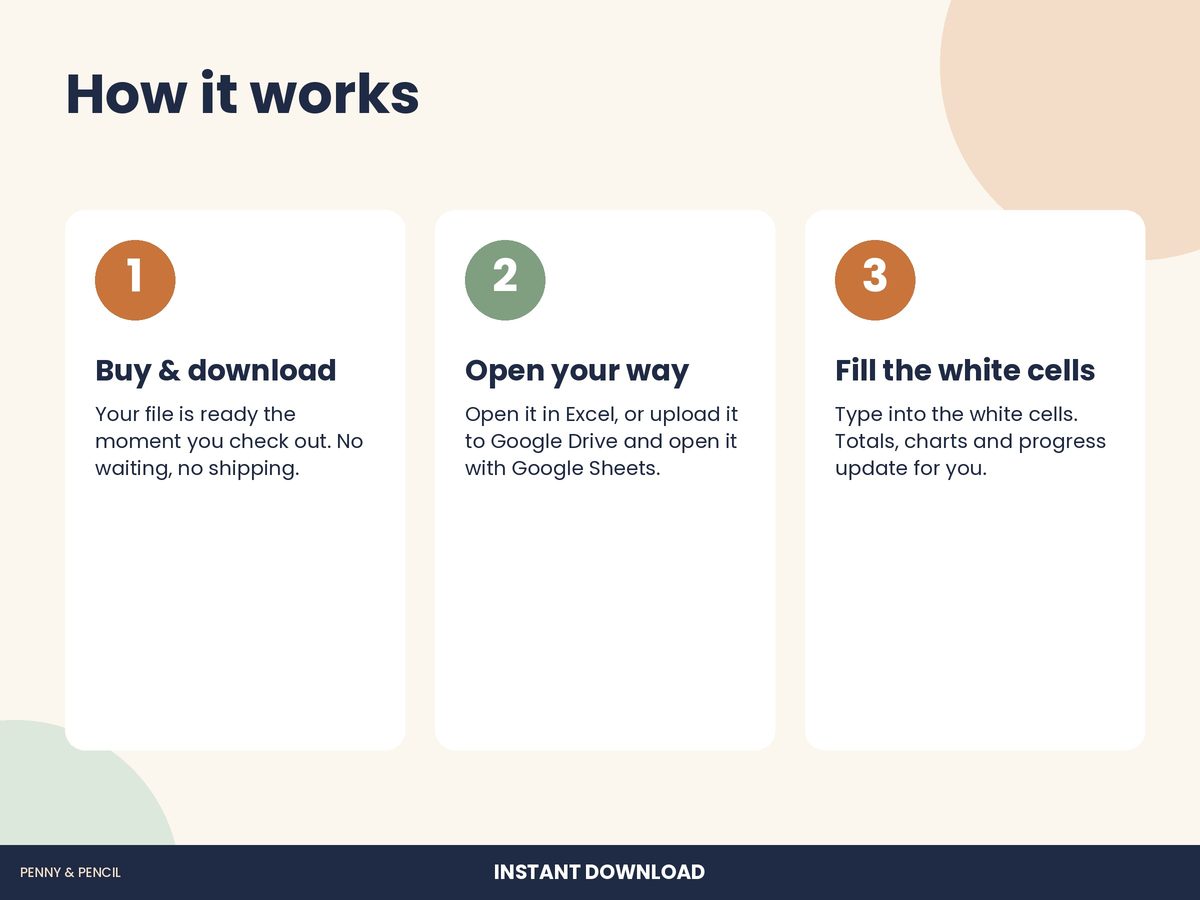
1. Purchase and download instantly from your Etsy Purchases page.
2. Open the file in Excel, or upload it to Google Drive and open it in Google Sheets.
3. Check your categories and grade scale, add students and assignments, then enter scores.
PLEASE NOTE
• This is a digital download. No physical item will be shipped.
• One class per file. Make a copy of the blank file for each class or period.
• Please check final grades against your school's grading policy.
• For personal use. Please don't resell or share the file.
How we make it: Every Penny & Pencil template and worksheet is designed in-house with AI-assisted tools, then each page, formula and answer key is checked and tested before it is listed.
Questions? Send us a message. We usually reply within a day.