How to Make a Budget Spreadsheet in Excel or Google Sheets: Columns, Formulas and Checks
To make a budget spreadsheet, put one category per row with Planned, Actual and Difference columns, total each column with SUM, then check that income minus total spending matches what you meant to leave. The formulas below are typed the same way in Excel and in Google Sheets.
Every formula starts with an equals sign. Type =D2-C2 in E2, then copy E2 and paste it into E3:E8; each pasted copy points at its own row.
Add the total formulas
Microsoft’s and Google’s help pages both show SUM with a cell range, such as =SUM(A2:A10). Use it for the expense rows only, so income is not counted as spending.
Total rows below the categories
Cell
Formula
Result
C10 total planned expenses
=SUM(C3:C8)
2,730
D10 total actual expenses
=SUM(D3:D8)
2,732
C11 planned income − expenses
=C2-C10
470
D11 actual income − expenses
=D2-D10
468
E10 sum of differences
=SUM(E3:E8)
2
Check the totals before trusting them
E10 must equal D10 − C10: here 2,732 − 2,730 = 2. A mismatch means a row is missing from one range.
After inserting a new spending row, confirm it sits inside rows 3–8 of the SUM range, or widen the range.
Add the expense column by hand once: 1,250 + 520 + 150 + 160 + 400 + 250 = 2,730.
Each category appears on one row only, and transfers between your own accounts are labelled as transfers.
Excel or Google Sheets?
The layout and formulas on this page are app-neutral: the same headers, =D2-C2 difference and SUM totals work in either program. Choose whichever one you already open each week, because the record only helps if it is kept up to date. To plan the amounts before building columns, start with how to make a budget.
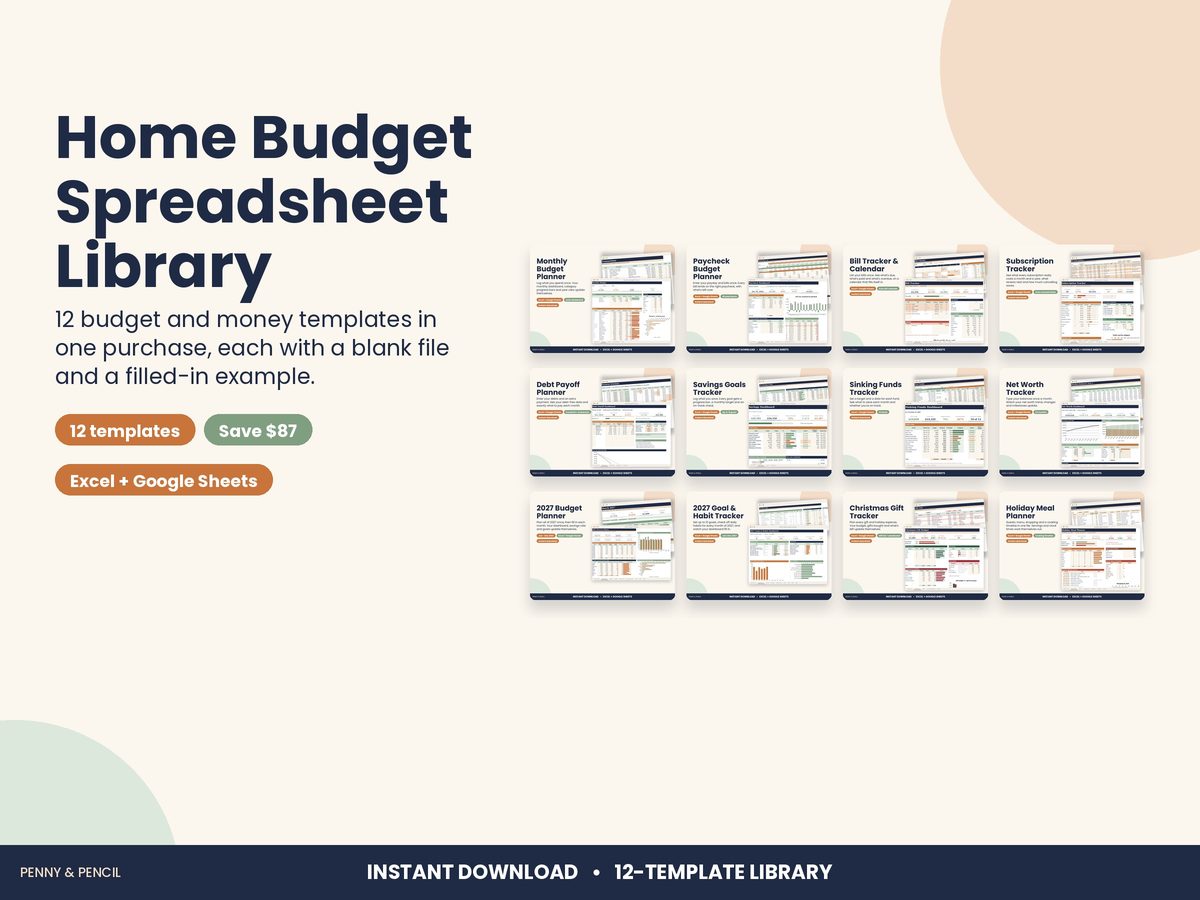
The Home Budget Spreadsheet Library is a set of ready-made budget spreadsheets that total the amounts you enter; it does not import bank data.
Worked numbers, tables and teaching examples are original illustrations, not customer records.
The free download opens when you join our list: join below.
Free downloads unlock when you join our list
Join the Penny & Pencil list once, confirm the email we send, and every free download, printable and planner on this site opens. We send a welcome note, deals, and one email every two weeks.
You are in. Your free downloads are unlocked on this page.