Free money tool
Stripe fee calculator
See Stripe's fee on a card payment and what you receive, or work backwards to the price to charge so you receive the amount you want.
Your result
Your result appears here.
Keep this result: print it, or save a copy as a spreadsheet file (CSV) that opens in Excel or Google Sheets.
Not financial, tax or legal advice. Arithmetic from the numbers you enter and the published rates below.
Print or save your result
Your result is free on this page. To print it or save a copy as a spreadsheet file, join the Penny & Pencil list once and confirm the email we send. We send a welcome note, deals, and one email every two weeks. Unsubscribe any time.
You are in. Your free downloads are unlocked on this page.
Keep it going in a spreadsheet
The calculator gives you one answer. The matching Penny & Pencil spreadsheet keeps it up to date month after month, in Excel or Google Sheets.
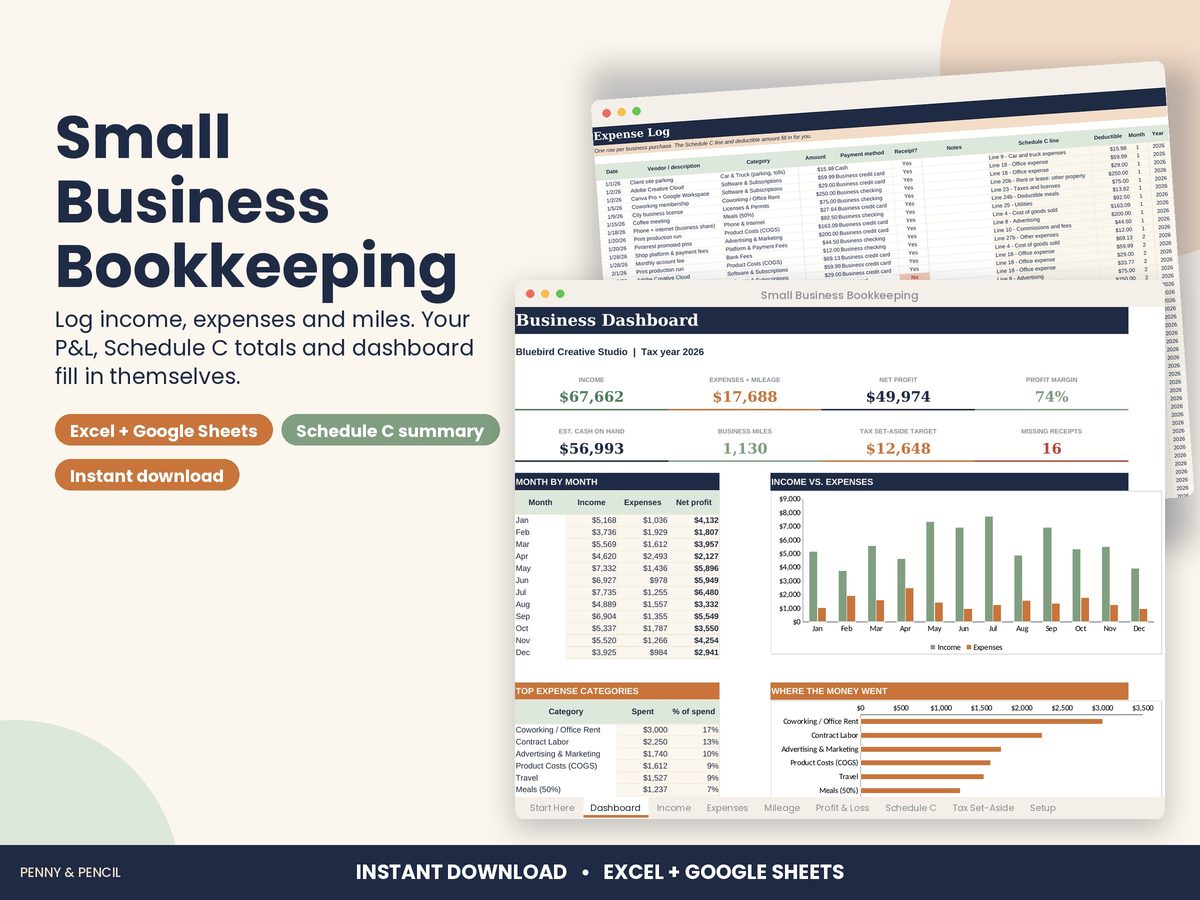
Small Business Bookkeeping
Keep your small business books in one simple spreadsheet and be ready for tax time.
$19.00 · Excel + Google Sheets
Buy on Etsy · $19.00See what's inside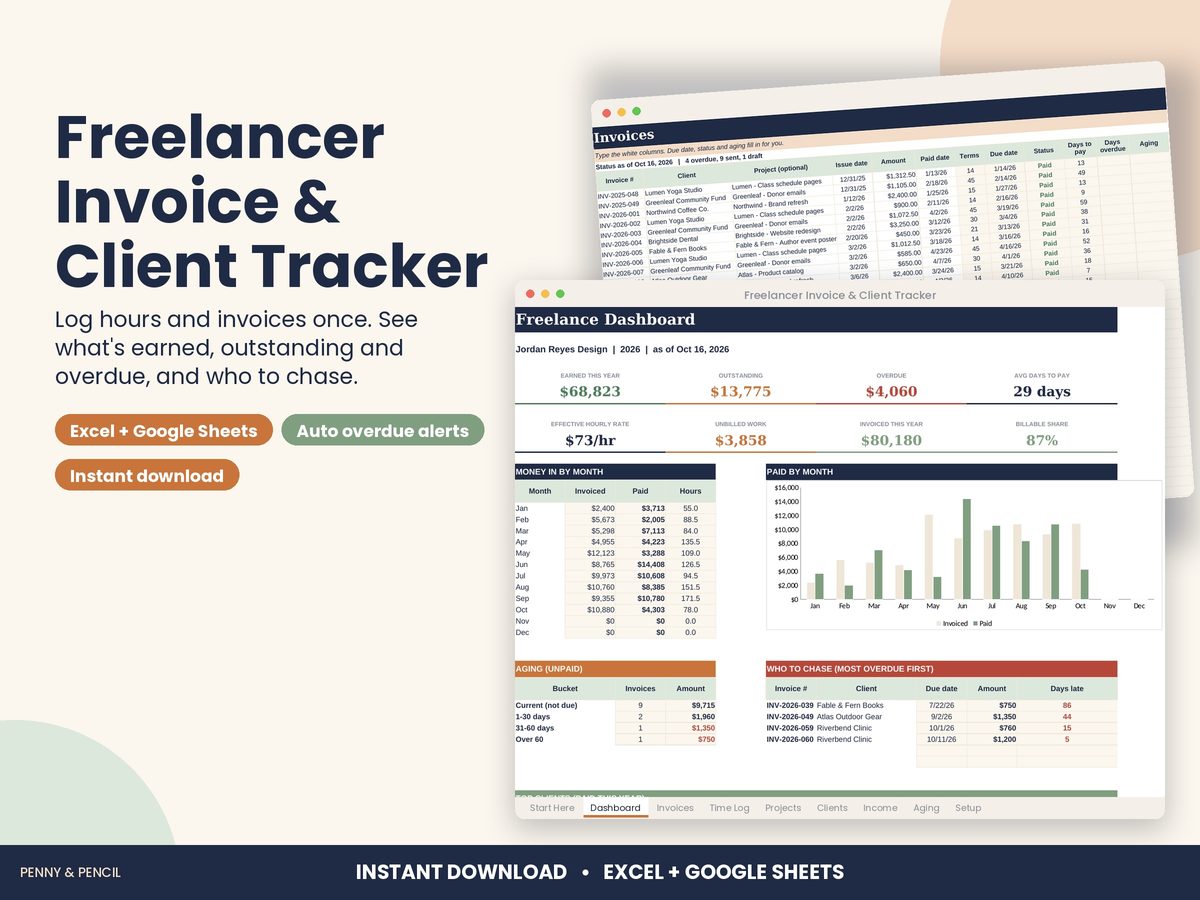
Freelancer Invoice & Client Tracker
Know exactly what you've earned, what you're owed and who needs a friendly reminder.
$14.00 · Excel + Google Sheets
Buy on Etsy · $14.00See what's insideQuestions
What does Stripe charge in the US?
2.9% + 30¢ for a domestic card payment, plus 1.5% for an international card, 1% when currency conversion is needed and 0.5% for a card typed in by hand.
How do I pass the fee to my customer?
Enter the amount you want to receive. The calculator gives the price that leaves you that amount after Stripe's fee. Check your local rules on surcharges first.
Where the rates come from
Rates checked on November 24, 2026 on each provider's own pricing page: Stripe pricing (US).
More free money tools
Not financial, tax or legal advice. These tools do arithmetic on the numbers you give them; check important figures with your provider or a professional.