How to Track Expenses: Capture Receipts, Categorize and Reconcile
Track expenses by recording each purchase once, attaching its receipt reference, assigning a category and matching it to the posted record. Keep transfers and refunds distinct. In the fictional month below, purchases of 860 dollars less a 30-dollar refund leave 830 dollars of net spending.
This original example covers November 2026 in USD and includes checking, savings, cash and a credit card. Record date, description, account, amount, category, receipt reference and cleared status. Copy entries manually from receipts and statements; this workflow does not connect to a bank.
Fictional November transaction record; amounts in USD
Date / reference
Record
Treatment
Nov 2 / R1
Rent 800 from checking
Housing purchase
Nov 4 / R2
Groceries 60 on card
Food purchase
Nov 8 / T1
Checking to savings 200
Paired transfer
Nov 12 / R2-refund
Groceries refund 30 to card
Food: negative expense
Nov 18 / T2
Checking to card 100
Paired payment transfer
Total purchases and refunds by category
The purchases are 800 rent plus 60 groceries, totaling 860. A 30 grocery refund reduces net groceries to 30, leaving 830 net spending. Record the refund as a separate negative expense linked to its original purchase; it is not fresh earned income in this log.
Keep transfers out of the purchase total
The 200 moved from checking to savings is a paired transfer, not spending. The 100 checking-to-card payment reduces an existing card balance; it is not another purchase. Enter the two sides under matching references T1 and T2 so neither looks like missing money.
For cash, pair a withdrawal with the cash account first, then record cash purchases as they occur. Do not count the withdrawal and the later cash purchases as separate expenses.
Reconcile each account to the month-end record
With fictional checking opening at 2,000 and no other activity, subtract rent 800, savings transfer 200 and card payment 100 to close at 900. Savings opens at 500 and receives 200, closing at 700.
The card opens with 400 owed, adds the 60 grocery purchase, subtracts the 30 refund and the 100 payment, closing at 330 owed. Total account movements reconcile even though the transfer and card payment are excluded from the 830 spending total.
Leave unmatched entries open
Match date, amount and account before marking an entry cleared.
Keep a pending purchase separate from its posted match to prevent duplicates.
Record a missing receipt or unexplained statement entry as unresolved.
Save the closed month before starting a new one.
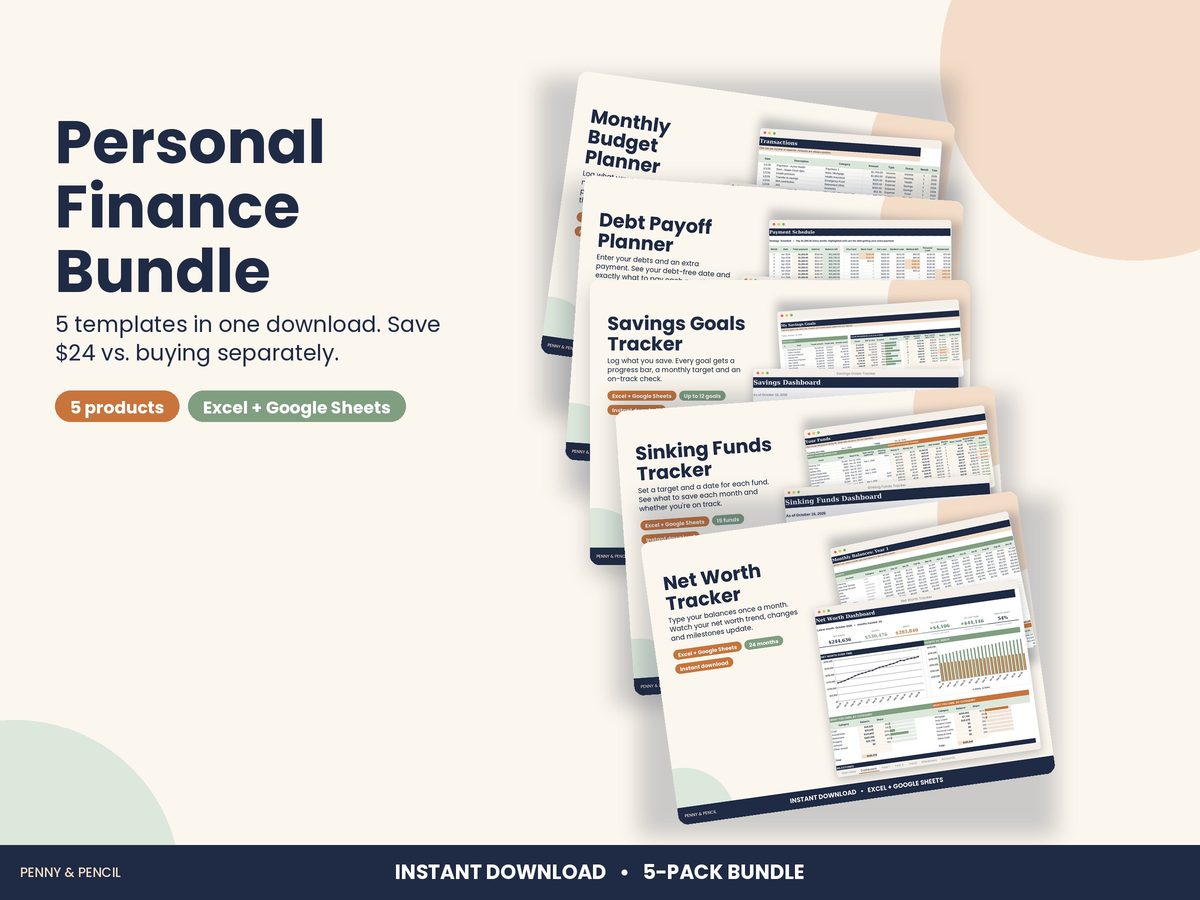
The Personal Finance Bundle is a paid set of household organizing spreadsheets. The gated expense PDF is a separate manual record, and this example makes no savings promise.
Worked numbers, tables and teaching examples are original illustrations, not customer records.
The free download opens when you join our list: join below.
Free downloads unlock when you join our list
Join the Penny & Pencil list once, confirm the email we send, and every free download, printable and planner on this site opens. We send a welcome note, deals, and one email every two weeks.
You are in. Your free downloads are unlocked on this page.