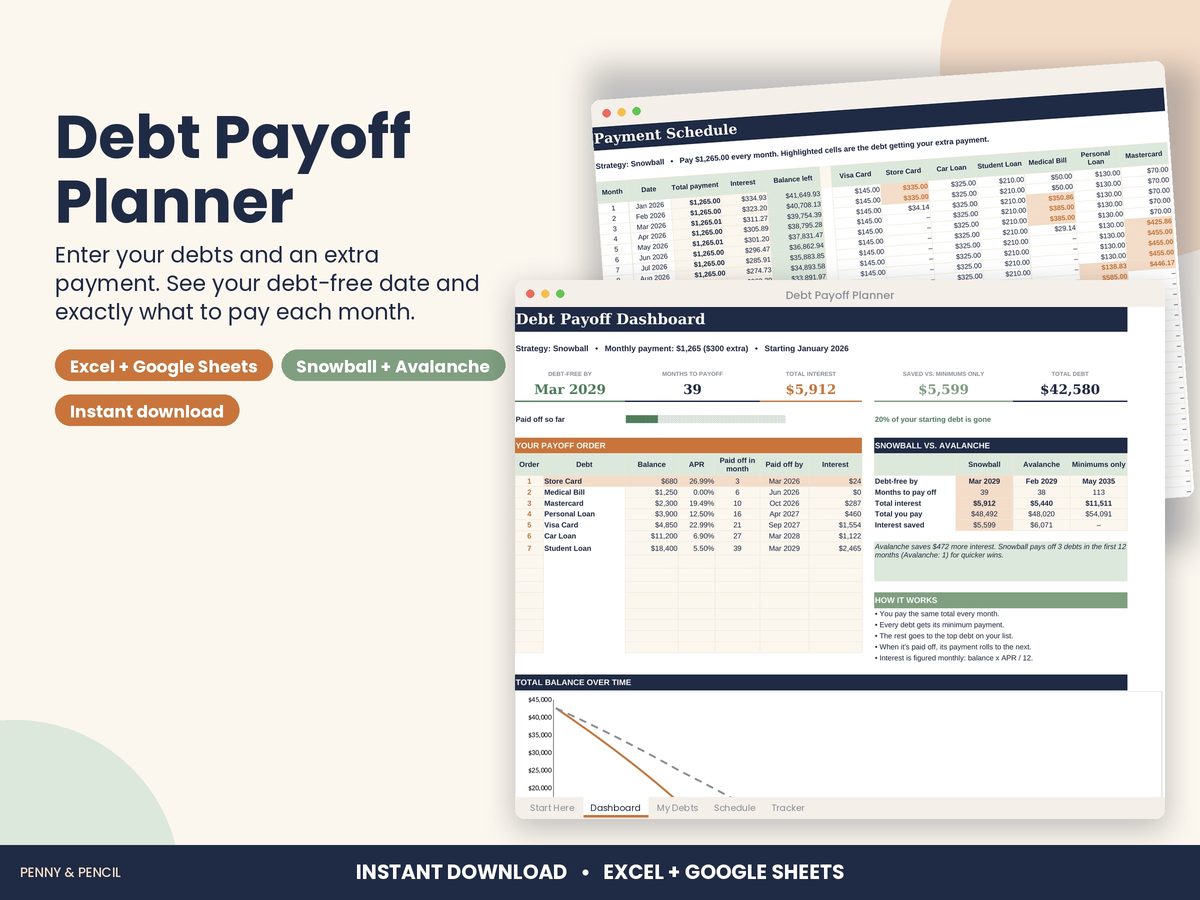
Debt snowball spreadsheet for Google Sheets and Excel
The debt snowball pays off your smallest balance first while paying minimums on the rest; each paid-off debt frees money for the next. The avalanche method targets the highest interest rate first, which usually costs less interest. Seeing both side by side makes the choice easier.
In the Debt Payoff Planner you list each debt once (balance, APR and minimum payment), add the extra amount you can pay each month and pick Snowball or Avalanche. It works out which debt to pay first, how much to pay on each every month, when each debt is gone and the total interest. The dashboard shows your debt-free date, interest saved versus minimums only, and a balance-over-time chart, with a month-by-month schedule up to 20 years.
It is a planning tool, not financial advice.
Buy Debt Payoff Planner on Etsy · $12.00What you get
You get two files, a blank template and a filled-in example, plus a Start Here guide. Open them in Microsoft Excel, or upload them to Google Drive and open them with Google Sheets (free). You type in the input cells; the formulas, totals and charts update themselves.
Tips
- Update balances from your statements once a month.
- Even a small extra payment changes the debt-free date; try a few amounts.
- Pick the method you will actually stick with.