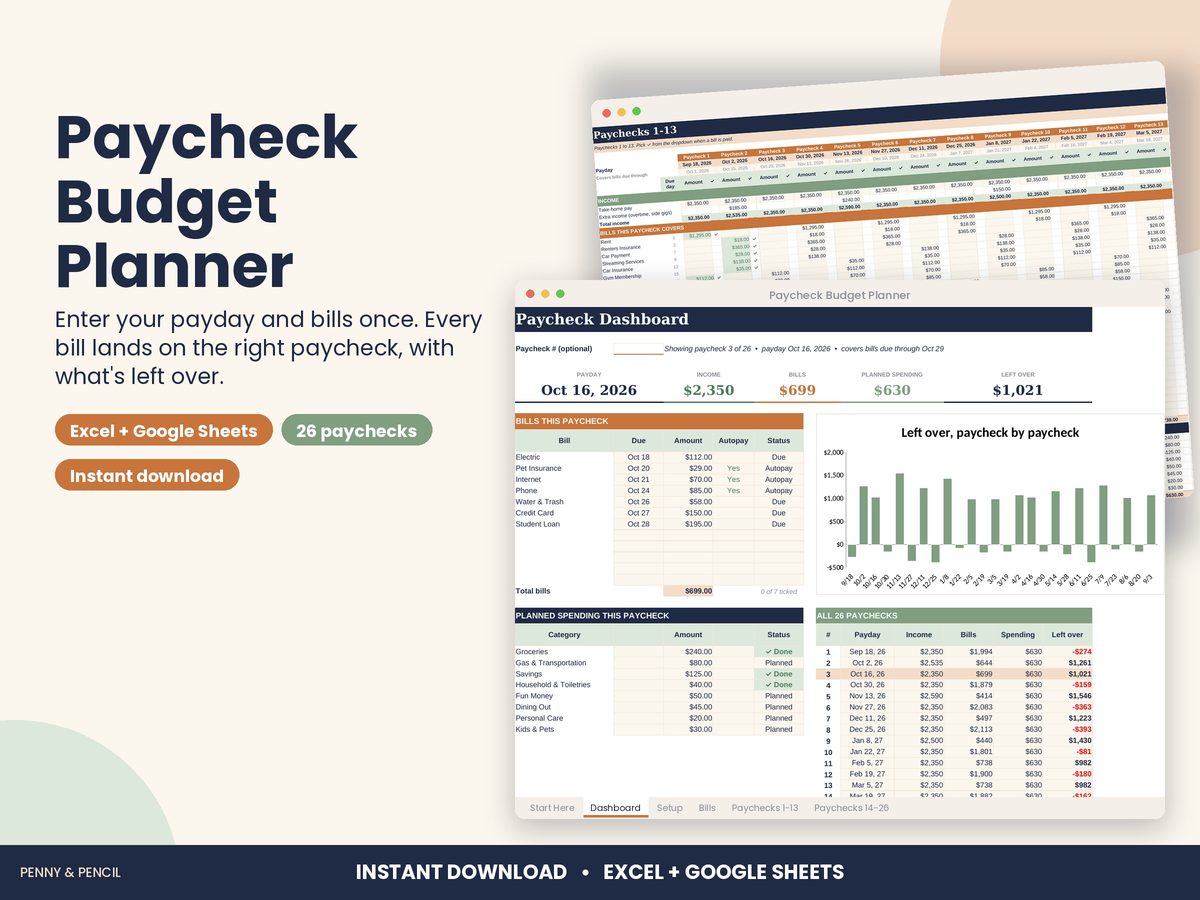
Paycheck budget template for Excel and Google Sheets
Budgeting by paycheck means planning each paycheck separately instead of the whole month at once. It suits anyone paid weekly or biweekly whose bills do not line up neatly with payday.
In the Paycheck Budget Planner you set how often you are paid and when, and list your monthly bills with their due days. It lines up your next 26 paydays and puts every bill on the paycheck that lands on or before its due date. For each paycheck you see income, the bills it covers, planned spending for groceries, gas and savings, and what's left over. The dashboard picks your current paycheck and shows each bill as paid, due or overdue.
Works in Excel and Google Sheets. It is an organizing tool, not financial advice.
Buy Paycheck Budget Planner on Etsy · $12.00What you get
You get two files, a blank template and a filled-in example, plus a Start Here guide. Open them in Microsoft Excel, or upload them to Google Drive and open them with Google Sheets (free). You type in the input cells; the formulas, totals and charts update themselves.
Tips
- Enter take-home pay, not gross pay.
- Mark bills paid on payday so the dashboard stays accurate.
- Move a flexible bill's due day if one paycheck is overloaded.