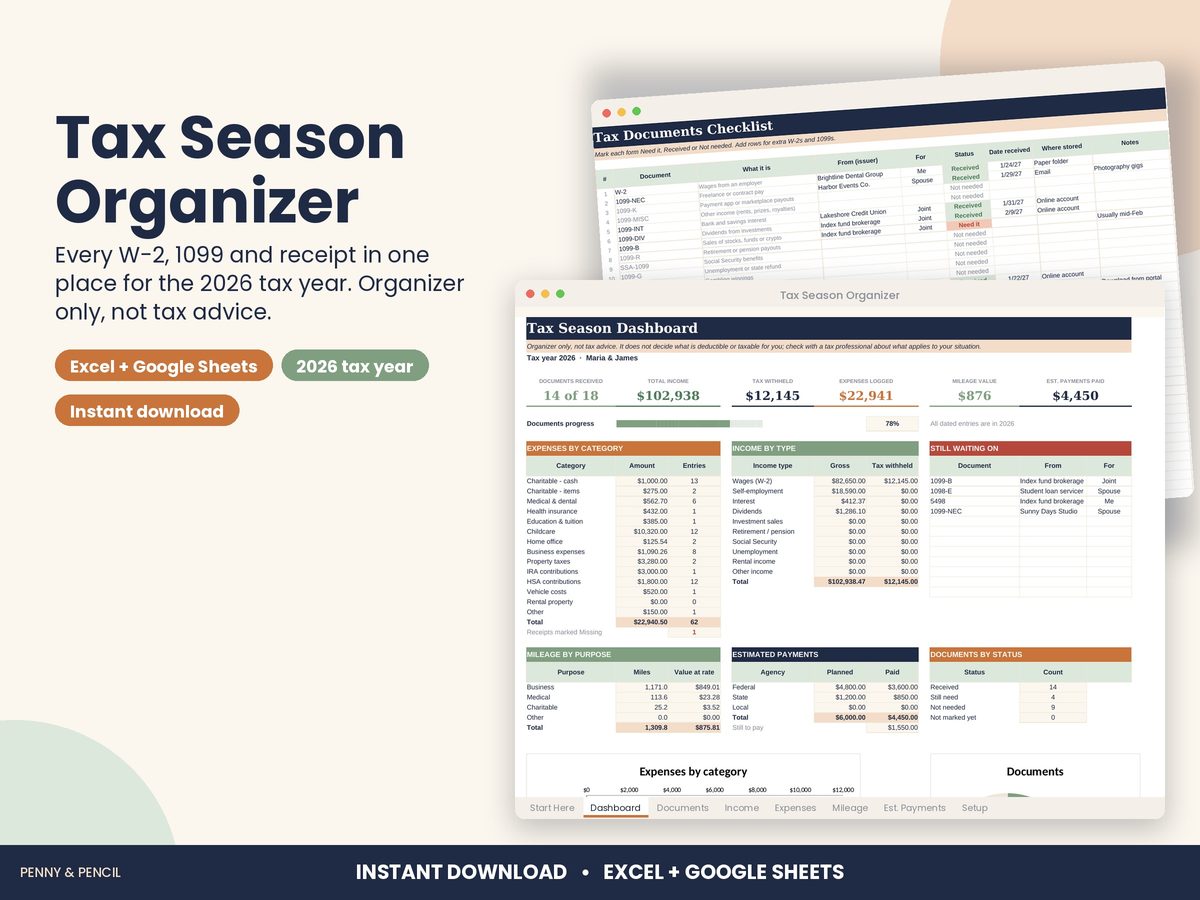
Tax organizer spreadsheet for the 2026 tax year: document checklist, expense and mileage log
Most of the stress at tax time is not the filing itself, it is hunting for documents. A W-2 arrives in the mail, a 1099 shows up as an email attachment, a 1098 is in a portal you forgot the password to, and the receipts you meant to keep are in three different places. A single organizer that shows what has arrived and what is still missing makes the sit-down with your tax preparer, or with your tax software, much shorter.
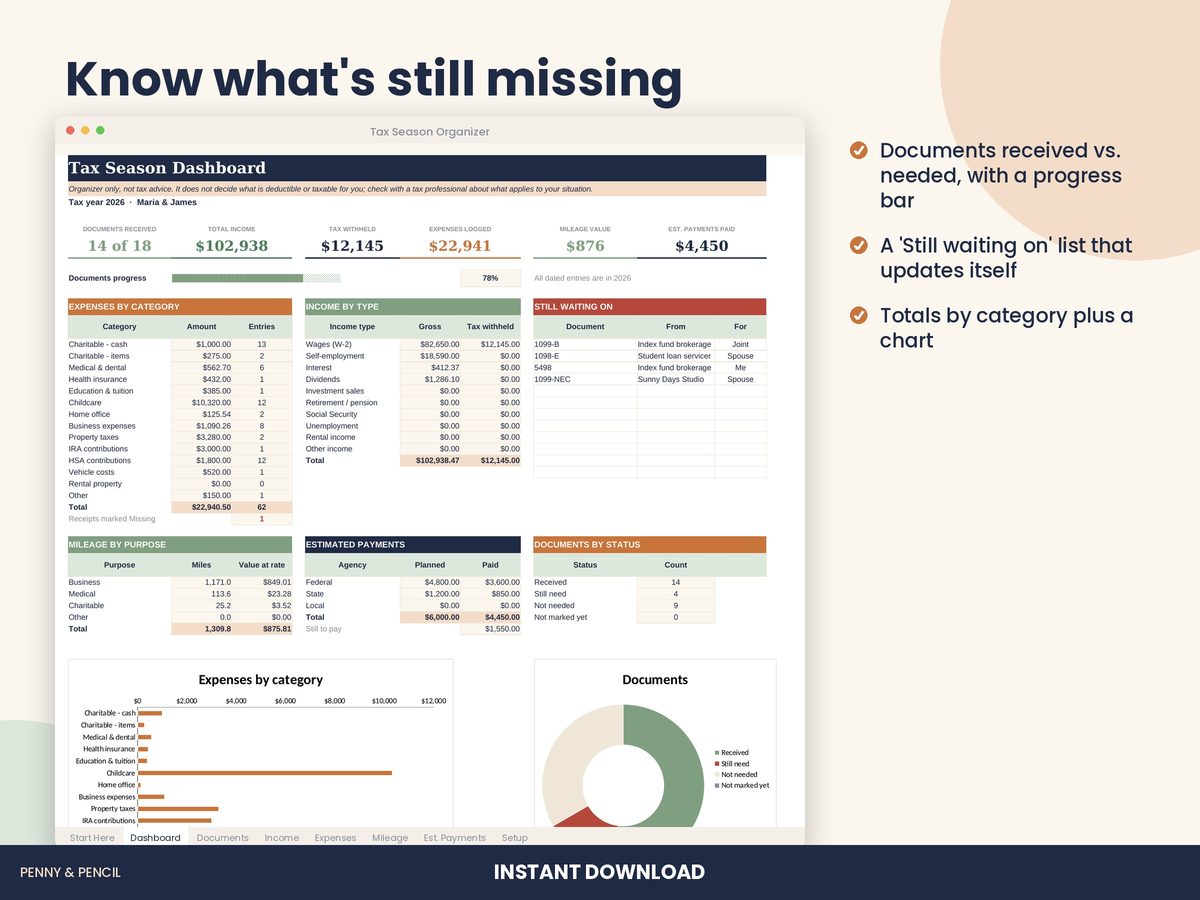
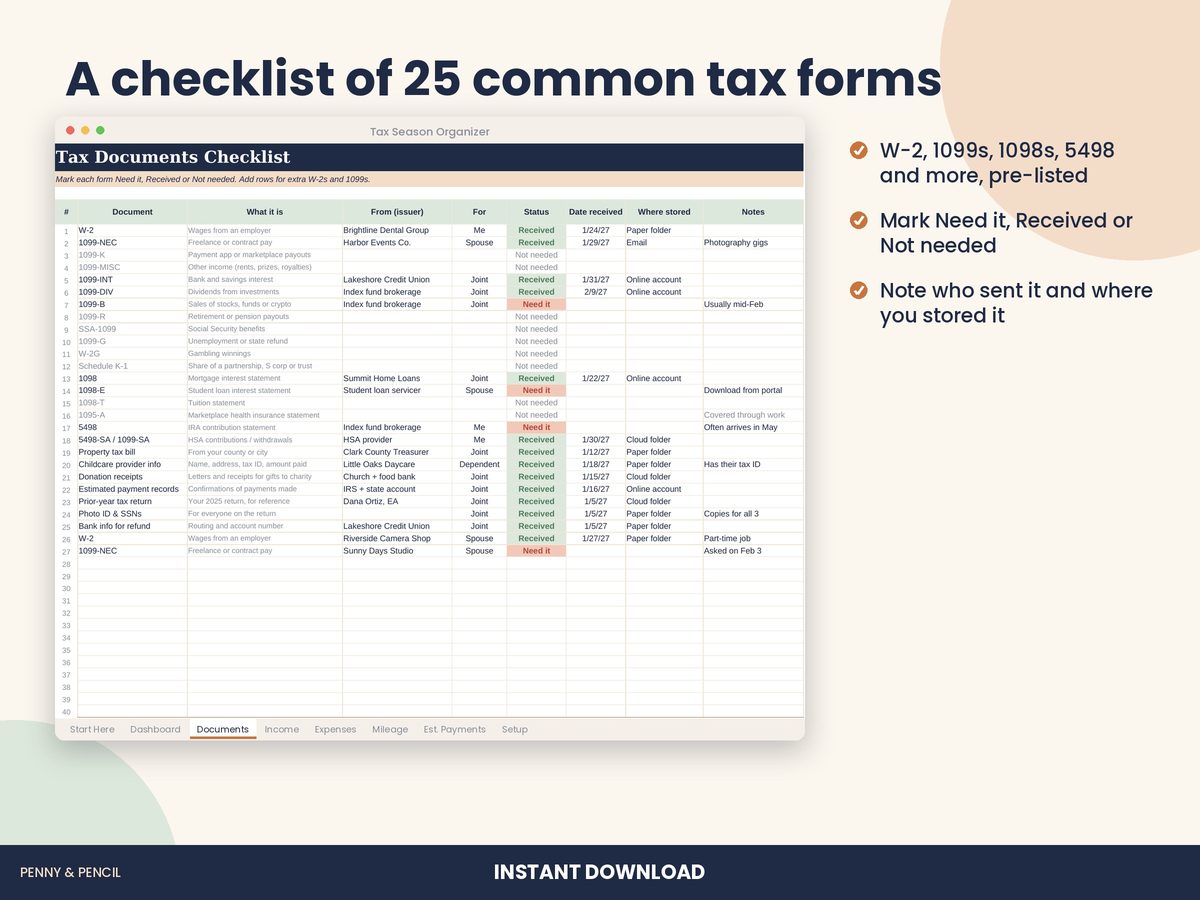
The Tax Season Organizer is a spreadsheet for US households preparing for the 2026 tax year, which is filed in early 2027. The Documents tab pre-lists 25 common forms (W-2, several 1099 types, 1098, 1098-T, 5498 and others) with a status of Need it, Received or Not needed, plus who sent it, the date it arrived and where you stored it, and 15 spare rows for anything else. The dashboard turns that into a progress bar and a Still waiting on list.
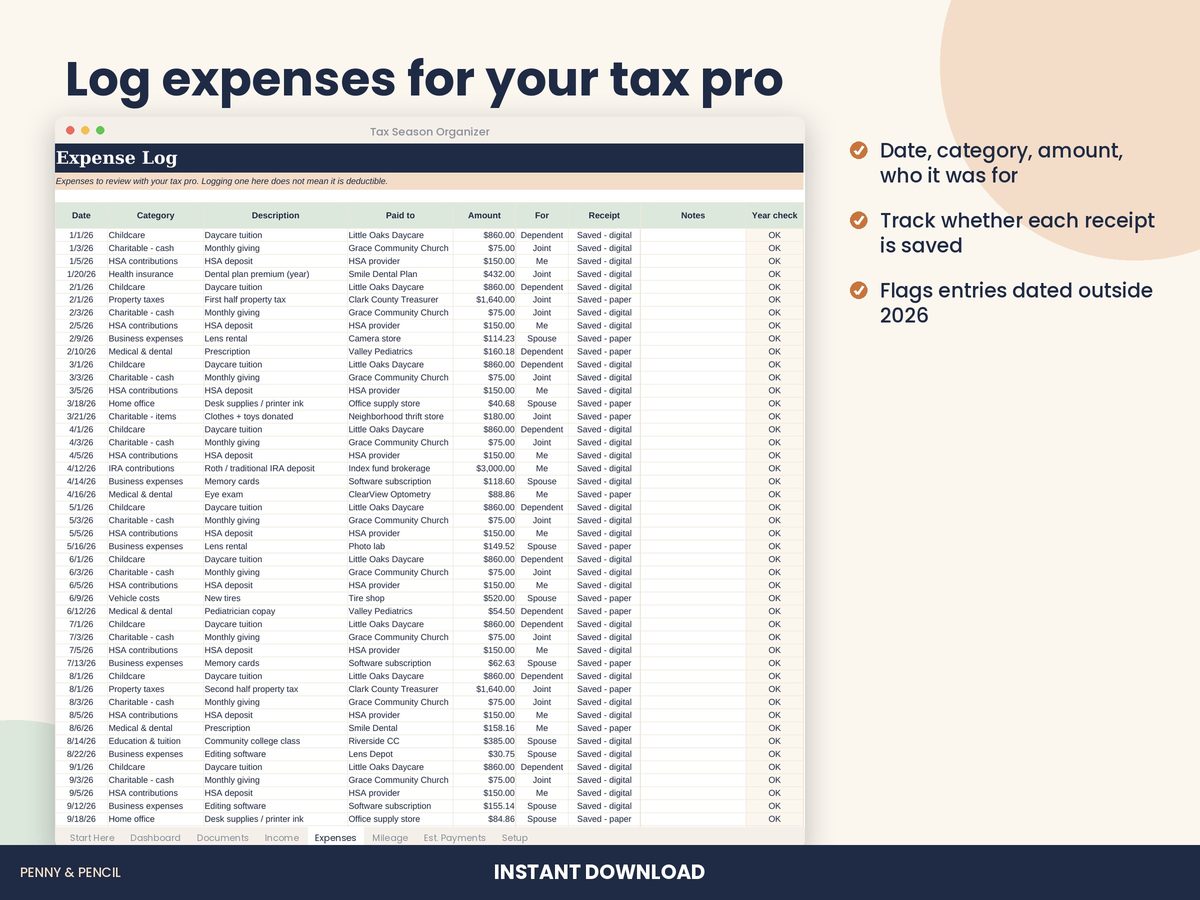
Alongside the checklist you get an income summary for up to 40 sources with tax withheld, a 500-row expense log with 14 categories you can rename and a receipt-saved column, a mileage log for 400 trips where you enter your own per-mile rates, and an estimated payments tracker for federal and state quarters. It is an organizer only. It does not calculate your tax or decide what is deductible, and mileage rates and due dates are yours to confirm with the IRS, your state and a tax professional. Not tax advice.
Buy Tax Season Organizer on Etsy · $12.00What you get
You get two files, a blank template and a filled-in example, plus a Start Here guide. Open them in Microsoft Excel, or upload them to Google Drive and open them with Google Sheets (free). You type in the input cells; the formulas, totals and charts update themselves.
Tips
- Fill in the Setup tab first (tax year and rates), then mark documents as they arrive instead of all at once in March.
- Keep the Where stored column honest: a folder name or portal name saves a long search later.
- Ask your tax preparer which expense categories they want, then rename the 14 categories to match before you start logging.