Thanksgiving cooking timeline spreadsheet
Start a Thanksgiving cooking timeline with the time you want to serve, then work backward using your own recipes. List separate tasks for prep, cooking and finishing, and note who is responsible and which kitchen space each uses. This makes overlapping demands easier to spot before the day arrives.
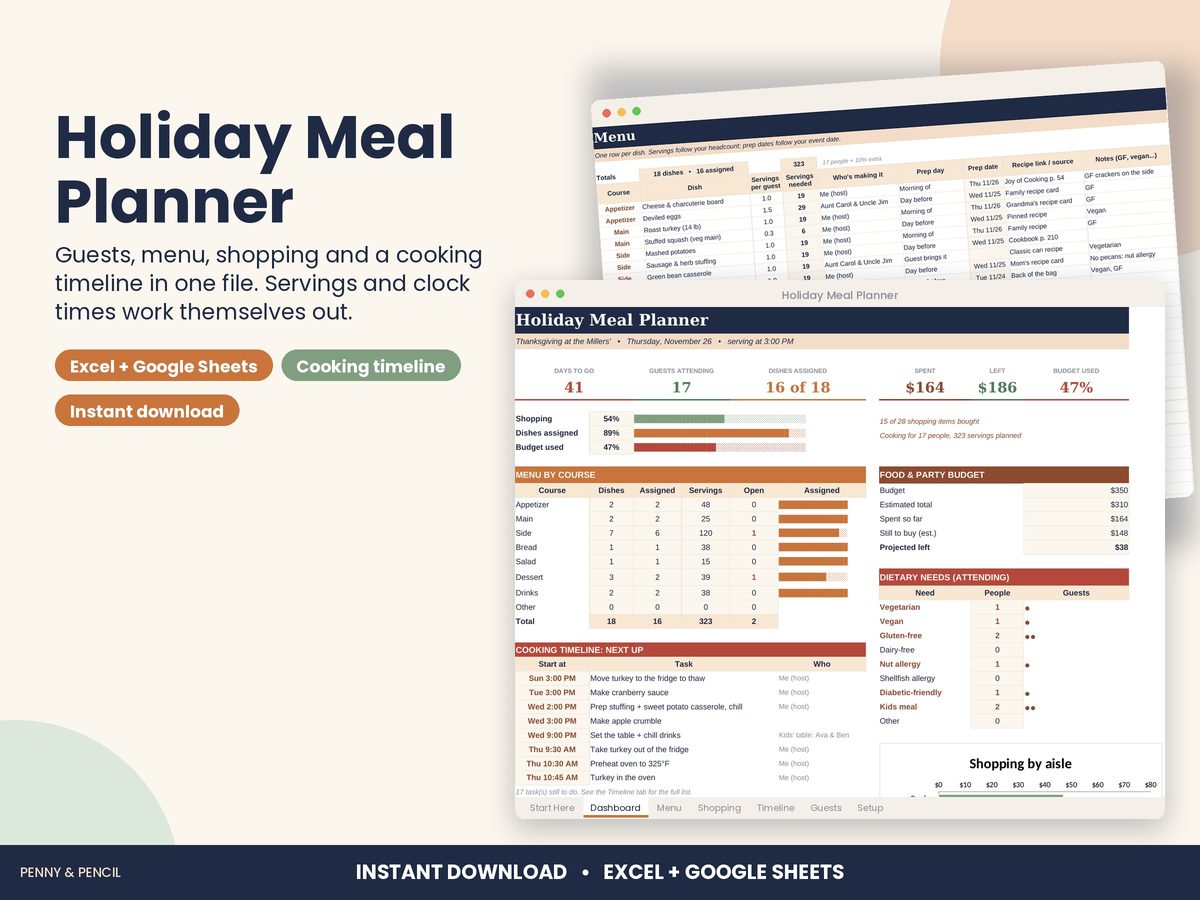
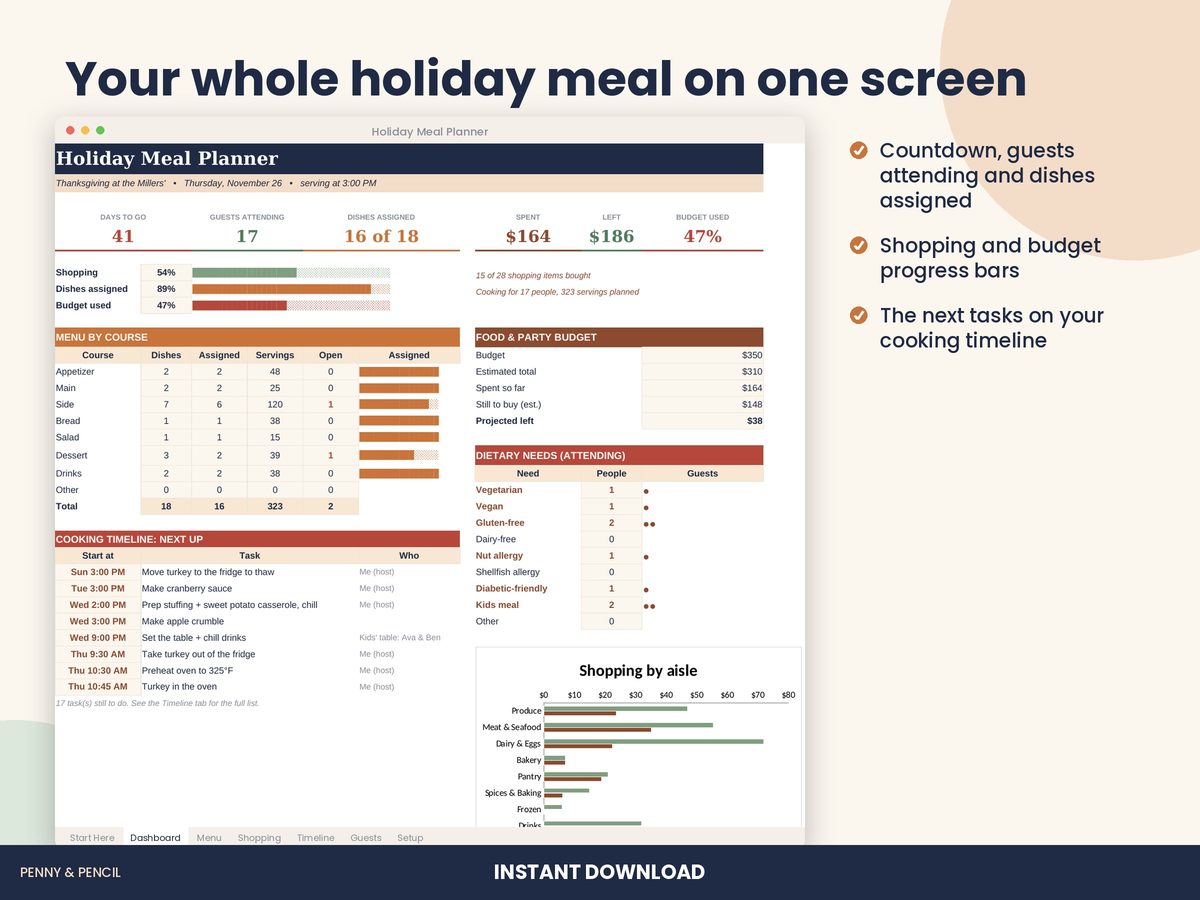
In the Holiday Meal Planner, set your event date and serving time, then enter each task's minutes before serving. For a 4:00 PM meal, a task scheduled 90 minutes before serving appears at 2:30 PM. The 50-row Cooking Timeline also has who, where and done fields. Check tasks sharing the oven or stovetop yourself: the workbook organizes your entries but does not automatically resolve equipment conflicts or choose recipe cooking times.
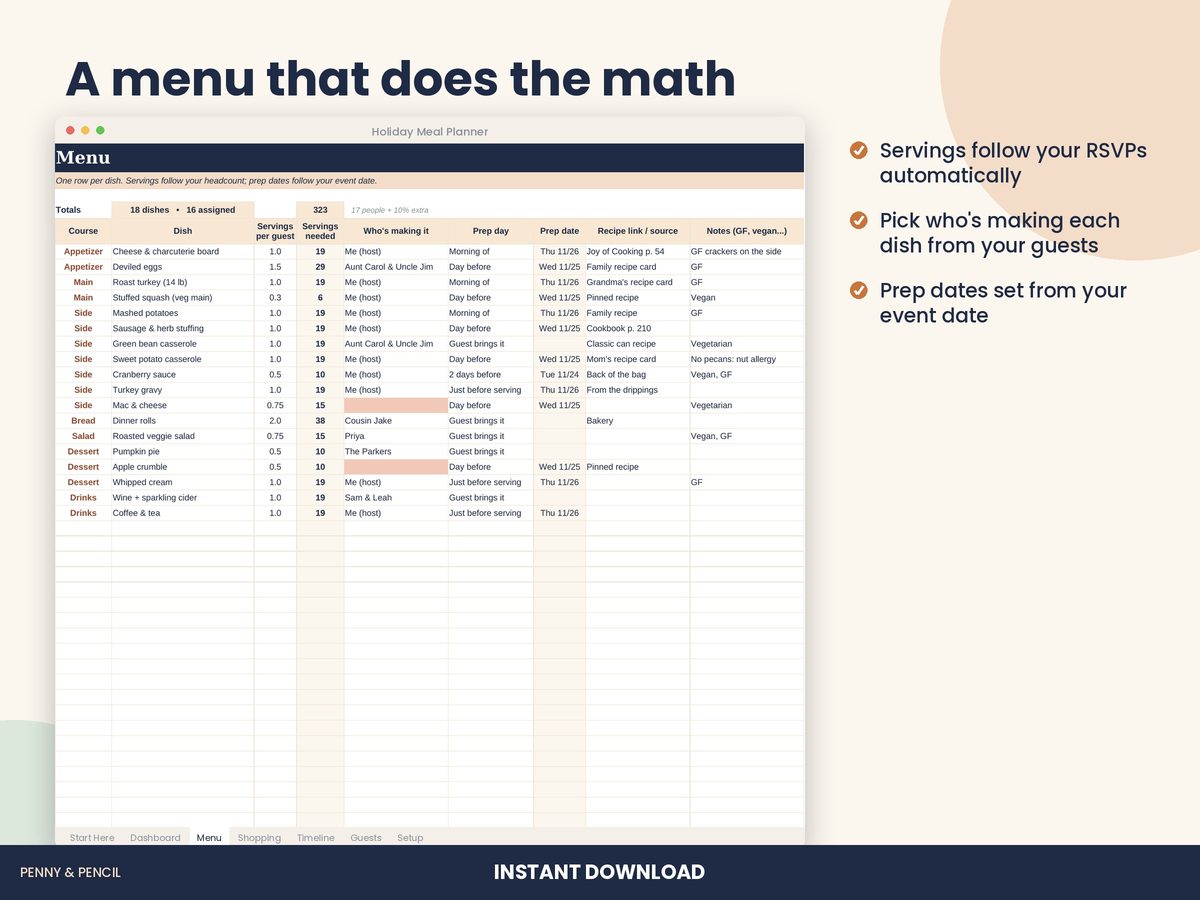
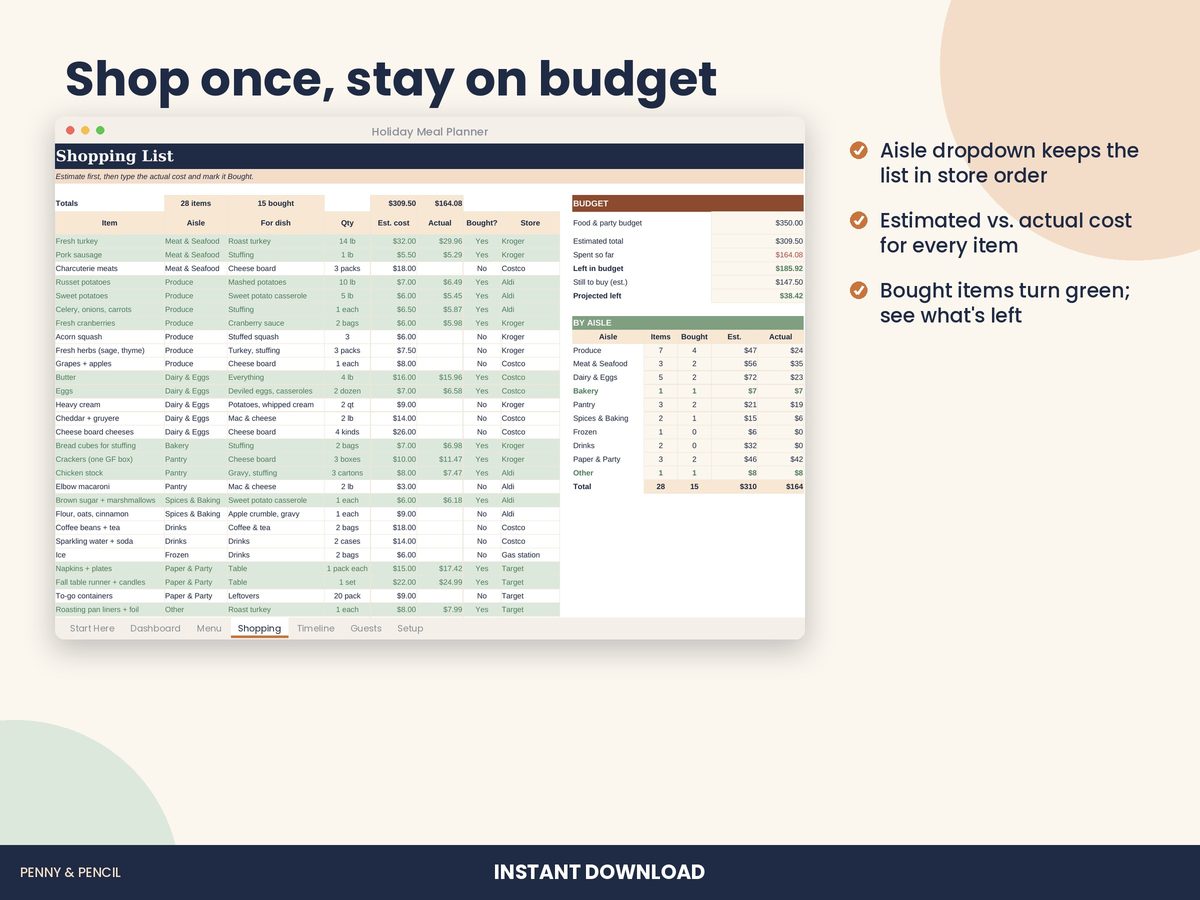
Use the Menu Planner for dish assignments and prep dates, the Guest List for RSVPs and dietary notes, and the Shopping List for estimated and actual costs. Keep recipe instructions alongside the plan. The Christmas Gift Tracker and 2027 Budget Planner handle separate holiday and annual planning tasks. All three are included in the Holiday and New Year Planner Bundle, together with the 2027 Goal and Habit Tracker. These are organizational tools, not financial or tax advice.
Buy Holiday Meal Planner on Etsy · $8.00What you get
You get two files, a blank template and a filled-in example, plus a Start Here guide. Open them in Microsoft Excel, or upload them to Google Drive and open them with Google Sheets (free). You type in the input cells; the formulas, totals and charts update themselves.
Tips
- Test the serving time with one sample task before entering the full timeline.
- Include your recipe's prep and finishing steps rather than recording only oven time.
- Review equipment overlaps and task owners together, then mark completed steps as you go.